

How to Make the Viral Halloween Walk-In AI Video
AI Trend Tutorial
The Halloween Walk-In videos have tens of millions of views: three friends in costume walking up to the camera on a night street. Learn how to make your own with aicut, starring you and characters you pick. No filming, no editing and no prompt writing.
In this guide
Open · Step 1
Open the Halloween Walk-In template
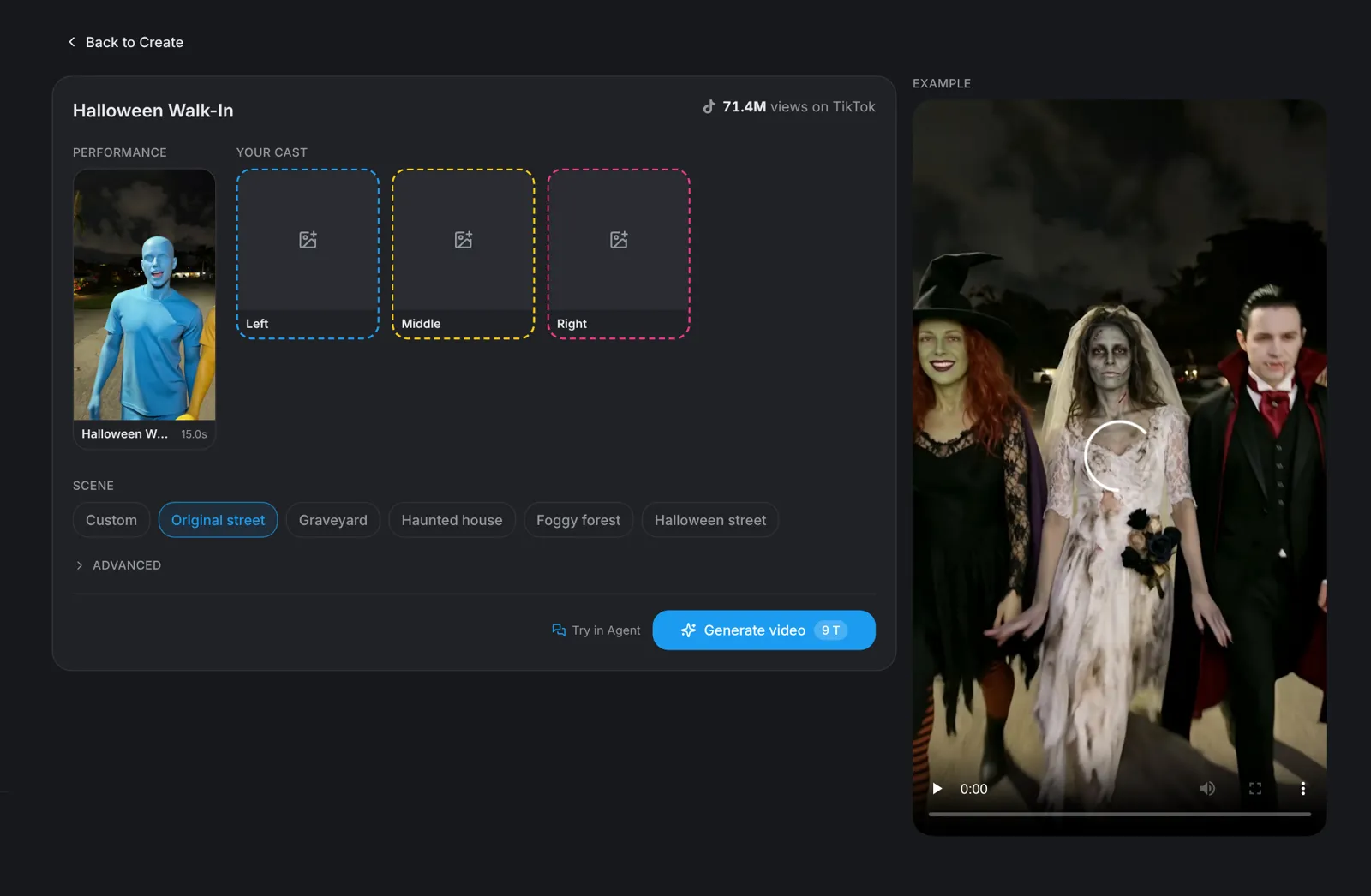
Go to aicut.pro and open the Halloween Walk-In template. The page already holds the original performance, shows how many views it has on TikTok and plays an example, so there is nothing to film and no moves to learn.
Cast · Step 2
Fill the three slots
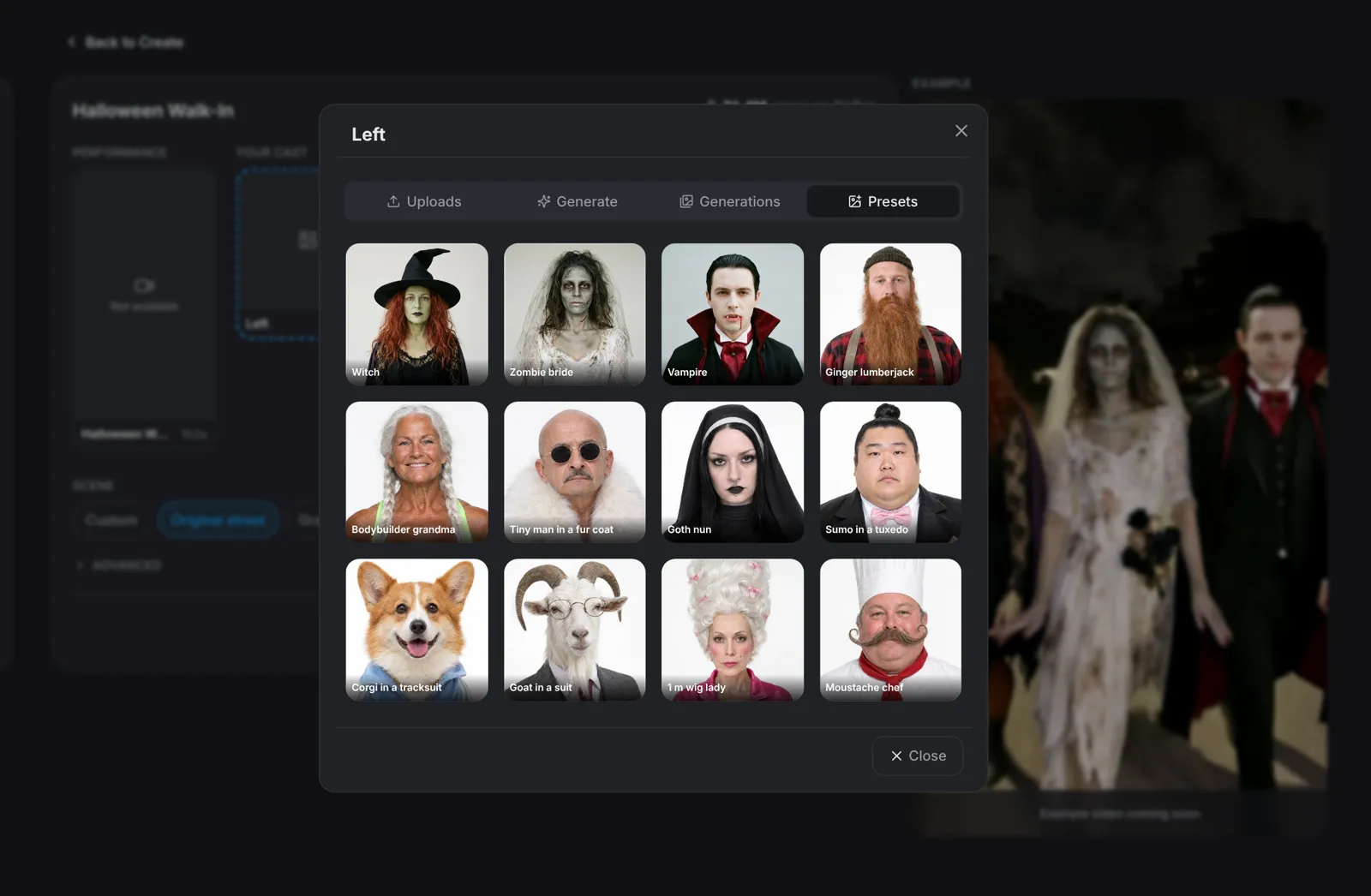
Click the Left slot and add your photo under Uploads, then fill the other two slots. Each picker has 12 characters under Presets, including a witch, a zombie bride and a vampire, or describe a new one under Generate, or reuse one under Generations.
- A clear, front-facing, full-body photo works best.
- Only use photos of people who agreed to be in the video.
Scene · Step 3
Pick the scene
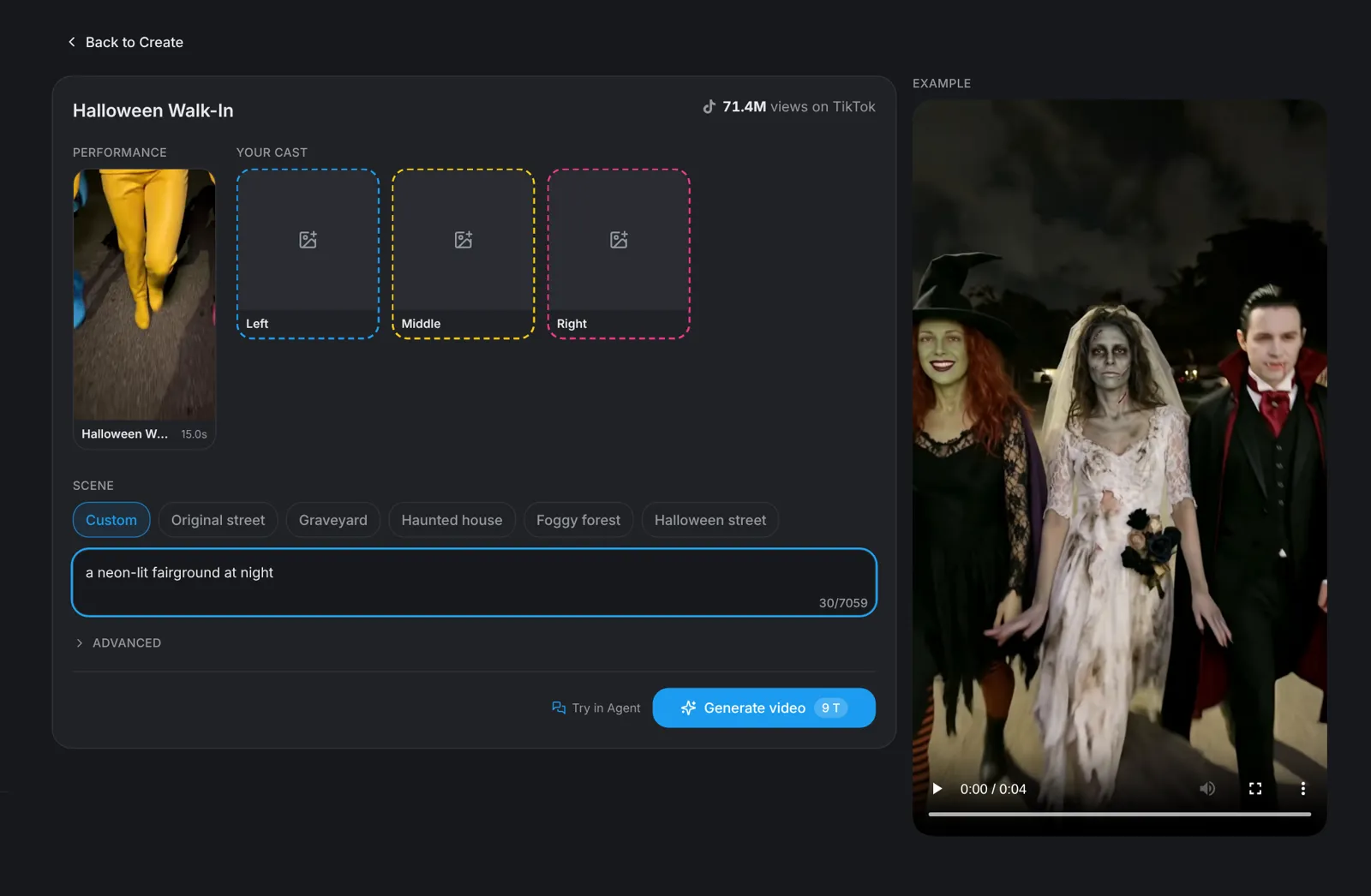
Choose where it happens: Original street, Graveyard, Haunted house, Foggy forest or Halloween street. Pick Custom to describe any place in one line, such as a neon-lit fairground at night. The moves and the timing stay the same in every scene.
Tip: The costume in the photo is the costume in the video, so take the picture after you have dressed up.
Generate · Step 4
Hit Generate video
Click Generate video: the button shows the price before you click. You get a vertical 9:16 video of 15 seconds in which your three characters walk up to the camera in costume, from the close-ups of their feet to all three together.