AI creation tool
AI Photo Enhancer
Make a small or blurry picture sharp and large
aicut's AI Photo Enhancer upscales a photo or an AI image with Topaz, SeedVR or Recraft, enlarging it up to 4x with sharper detail for prints, thumbnails and wallpapers. Pick the model, see the token price first, and pay as you go on a free account, from 0.025 tokens per megapixel.
Free account. The token price is shown before anything is generated.
Why creators use AI Photo Enhancer
A photo that looks fine on a phone falls apart on a poster, a 4K screen or a crop. Plain resizing only stretches the pixels, while AI upscaling rebuilds edges, skin, text and texture, so the enlarged picture keeps looking like a photograph.
Three models cover different jobs. Topaz is for print and large formats, SeedVR is a quick general upscale at a low price, and Recraft Creative adds new detail to a flat or soft picture. You choose per image, and the price is shown before you start.
What you can make with AI Photo Enhancer
- •Enlarge an AI-generated image for a print, a banner or a thumbnail.
- •Recover detail in an old or low-resolution photo.
- •Prepare a product or profile picture for a store listing that wants more pixels.
- •Sharpen a screenshot or a crop before using it in a video.
How AI Photo Enhancer works
01
Add the image
Upload a photo, or pick an image you generated in aicut. The shorter side needs to be at least 100 pixels for Topaz and SeedVR, and 256 for Recraft.
02
Choose a model and a factor
Topaz for large and print sizes, SeedVR for a fast general upscale, Recraft Creative for added detail. Topaz offers up to 4x.
03
Upscale and save
When it finishes, the enhanced image is ready to download, use in a video or post.
What every AI Photo Enhancer output includes
Topaz upscaler
Built for print and large formats, with outputs up to 512 megapixels.
SeedVR upscaler
A quick general upscale for outputs up to 40 megapixels at a low price.
Recraft Creative
Generates new detail while it enlarges, for soft or flat pictures. Priced per image.
Price shown first
Topaz and SeedVR price on the output size and Recraft per image, and you see the price before you click.
Works with AI images
Upscale anything you generated in aicut with one click, or upload a photo from your device.
What does AI Photo Enhancer cost?
Topaz costs 0.32 tokens for an output up to 24 megapixels, SeedVR 0.025 tokens per output megapixel and Recraft Creative 1 token per image, shown before you upscale.
| Plan | Price | Video tokens per month |
|---|---|---|
| Free | $0, pay as you go ($0.60 per token) | Try it before subscribing |
| Creator | $19.99/mo ($149.99/yr) | 50 tokens |
| Automate | $39.99/mo ($299.99/yr) | 100 tokens, plus automation |
AI Photo Enhancer FAQ
What is an AI photo enhancer?
A tool that enlarges a picture and rebuilds detail with a trained model, so the result is sharper than a normal resize. It works best on pictures that are small or soft, not on pictures that are badly out of focus.
Is the AI photo enhancer free?
Creating an account is free, and each upscale is pay as you go at $0.60 per token, with the price shown before you start.
Which model should I use?
Topaz for prints and the largest outputs, SeedVR for a quick, low-cost upscale, and Recraft Creative when you want new detail added to a soft image.
How big can the result be?
Topaz goes up to 512 megapixels of output and SeedVR up to 40. The shorter side of the source needs at least 100 pixels for Topaz and SeedVR and 256 for Recraft, which also accepts sources up to about 4.19 megapixels.
Can I upscale an AI-generated image?
Yes. Images you generated in aicut can be sent to the upscaler directly, and you can upload images from other generators too.
Can I post the result directly to TikTok, YouTube or Instagram?
Yes. Connect your accounts once and publish any finished video from inside Aicut in one click, or schedule it. Downloads are always available too.
Can I use what I make commercially?
Yes. Everything you generate on a paid plan is yours to post and use.
Do I need an account, and what does it cost?
You can look at the tool without an account. Generating needs a free account, and the token cost is shown on the button before you click it.
Is aicut free?
Yes, you can start for free. The free plan costs $0 and is pay as you go: you only pay for what you generate, at $0.60 per token, and the price is shown before anything is generated. Paid plans add a monthly token allowance.
Try AI Photo Enhancer now
Sign up free, see the price, generate. Your first result is minutes away.
Open AI Photo EnhancerDiese Seite auf DeutschCette page en françaisQuesta pagina in italianoEsta página en español
More AI creation tools
Every tool in one account, one token balance, one editor.
AI Music Generator
Describe a song, get the track
AI Image Editor
Add your image, describe the change

AI Video Generator
Every leading video model, one prompt box, one token balance

AI Image Generator
Generate and upscale images with the leading models
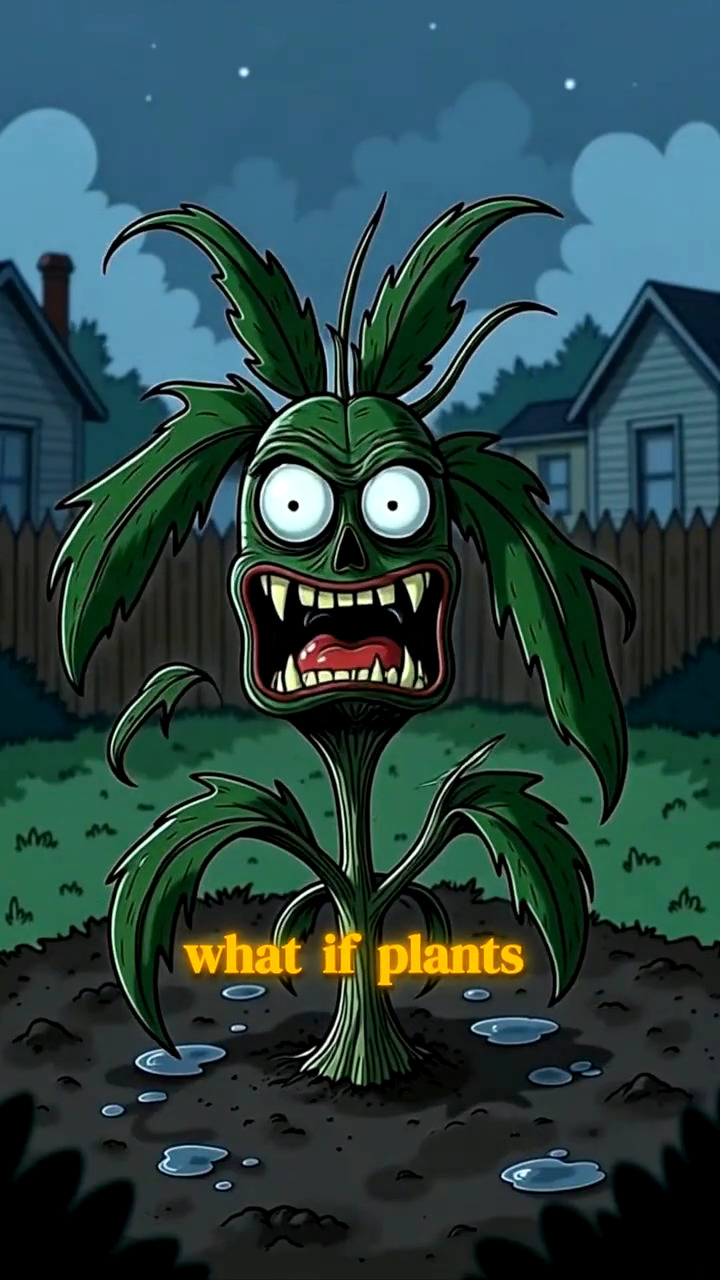
AI Image Story Generator
A script becomes a narrated, illustrated vertical video
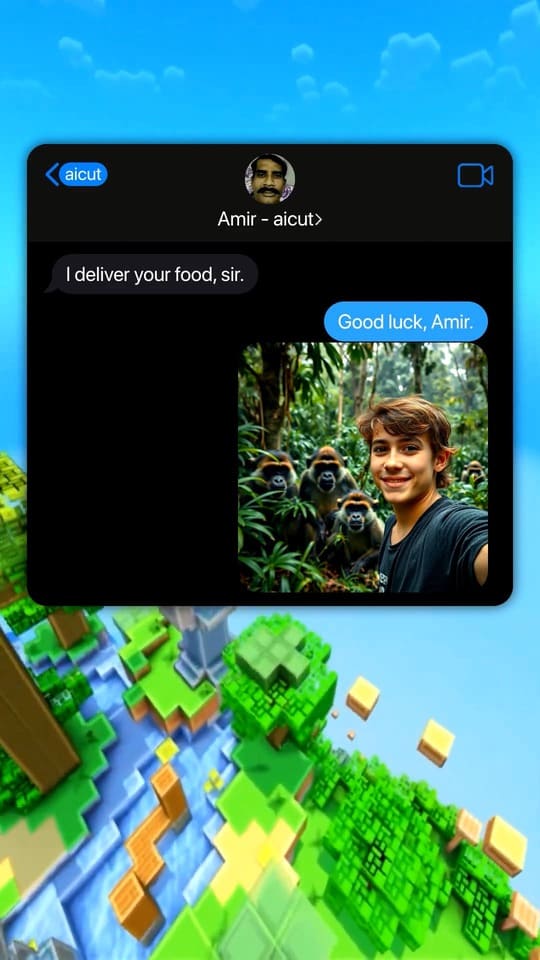
Fake Text Message Video Generator
Viral chat-story videos with AI-written scripts and voices
All 16 AI creation tools
- AI Video Generator
- AI Image Generator
- AI Image Story Generator
- Fake Text Message Video Generator
- Reddit Story Video Generator
- AI Dance Video Generator
- Top 5 Countdown Video Maker
- AI Subtitles Generator
- Auto-Clip
- AI Auto-Cut
- AI Lip Sync Video Generator
- Reshot
- AI Video Upscaler
- AI Photo Enhancer
- AI Music Generator
- AI Image Editor