AI creation tool
AI Image Editor
Add your image, describe the change
aicut's AI Image Editor changes a picture from a text description. Add your image to the AI Image tool, say what to change, and one of 9 image models makes the new version. Edits start at 0.1 tokens, shown before you start, on a free account with pay as you go.
Free account. The token price is shown before anything is generated.
Why creators use AI Image Editor
A classic photo editor asks you to learn tools: masks, layers, brushes. Here you write the change instead: a different background, another outfit, an added object, a new colour. The AI makes a new version from your picture and your description.
It runs inside aicut's AI Image tool, so the same page also generates images from scratch. The editor link, aicut.pro/create/ai-image?mode=edit, opens that form and you add your image there. A finished image has an Animate button that sends it to the AI Video Generator.
What you can make with AI Image Editor
- •A new background for a product photo.
- •A different outfit, hairstyle or colour on a portrait.
- •Text or an object added to a picture.
- •A thumbnail or cover made from your own picture.
How AI Image Editor works
01
Open the AI Image tool
The edit link opens the AI Image form. Editing is part of it: there is no separate editor page to learn.
02
Add your image
Use the image button (Add Image) next to the prompt box and upload your picture. Depending on the model you can add 8 to 16 images.
03
Describe the change
Once an image is added, the prompt box asks "What do you want to change in your image?" Write the change in plain words.
04
Pick a model and edit
Choose a model, check the price shown on the button and press Edit Image. With an image added, the button reads Edit Image instead of Generate Image.
What every AI Image Editor output includes
Edit by describing
Write the change in plain words. There is no mask, brush or layer to learn.
9 models to choose from
GPT Image 2.5, Nano Banana 2, Nano Banana 2.1, Nano Banana 2 Lite, Nano Banana Pro, Seedream 4.5, Seedream 5, Flux 2 Pro, and Flux 3 Image. Every one accepts your image as a reference.
More than one reference image
Models take 8 to 16 reference images, so you can add more than one picture to a prompt.
Price before you start
The button shows the price for the model and settings you picked.
From picture to video
A finished image has an Animate button that sends it to the AI Video Generator.
What does AI Image Editor cost?
Edits start at 0.1 tokens and depend on the model, resolution and quality you pick. The price is shown on the button before you start.
| Plan | Price | Video tokens per month |
|---|---|---|
| Free | $0, pay as you go ($0.60 per token) | Try it before subscribing |
| Creator | $19.99/mo ($149.99/yr) | 50 tokens |
| Automate | $39.99/mo ($299.99/yr) | 100 tokens, plus automation |
AI Image Editor FAQ
Is the AI image editor free?
Creating an account is free, and each edit is pay as you go: from 0.1 tokens, at $0.60 per token, with the price shown before you start. There is no free edit allowance.
How do I edit an image with AI?
Open the AI Image tool, use the image button (Add Image) next to the prompt box, upload your picture and describe the change in the prompt box. Press Edit Image and the new version appears in your results.
Which models can edit my image?
All 9 image models in the tool accept your picture as a reference: GPT Image 2.5, Nano Banana 2, Nano Banana 2.1, Nano Banana 2 Lite, Nano Banana Pro, Seedream 4.5, Seedream 5, Flux 2 Pro, and Flux 3 Image.
Is this a manual photo editor?
No. It is an AI editor: you describe the change in words instead of using masks, brushes or layers, and each edit produces a new image.
Can I use the edited image in a video?
Yes. Press Animate on the finished image to open it in the AI Video Generator.
How is it different from the AI image generator?
It is the same tool. The generator starts from a prompt alone, the editor starts from your image and a prompt.
Can I post the result directly to TikTok, YouTube or Instagram?
Yes. Connect your accounts once and publish any finished video from inside Aicut in one click, or schedule it. Downloads are always available too.
Can I use what I make commercially?
Yes. Everything you generate on a paid plan is yours to post and use.
Do I need an account, and what does it cost?
You can look at the tool without an account. Generating needs a free account, and the token cost is shown on the button before you click it.
Is aicut free?
Yes, you can start for free. The free plan costs $0 and is pay as you go: you only pay for what you generate, at $0.60 per token, and the price is shown before anything is generated. Paid plans add a monthly token allowance.
Try AI Image Editor now
Sign up free, see the price, generate. Your first result is minutes away.
Open AI Image EditorDiese Seite auf DeutschCette page en françaisQuesta pagina in italianoEsta página en español
More AI creation tools
Every tool in one account, one token balance, one editor.
AI Video Editor
A timeline editor for your AI videos, in the desktop browser

AI Video Generator
Every leading video model, one prompt box, one token balance

AI Image Generator
Generate and upscale images with the leading models
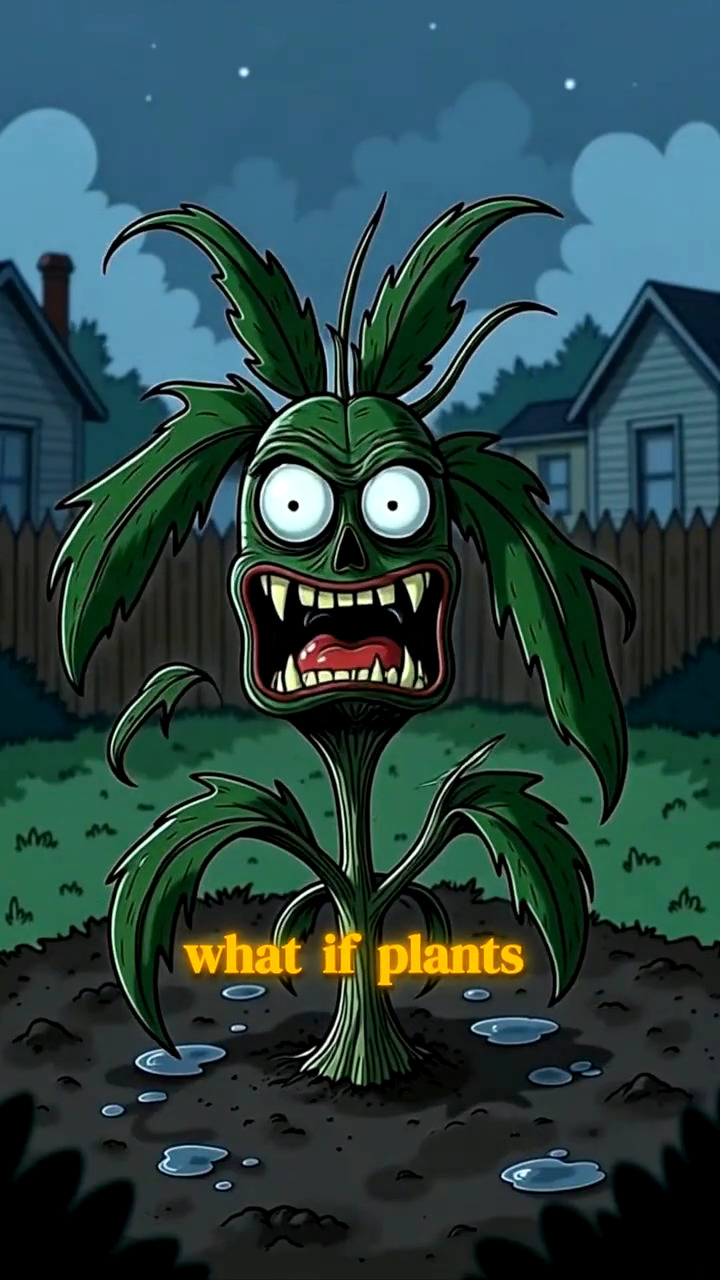
AI Image Story Generator
A script becomes a narrated, illustrated vertical video
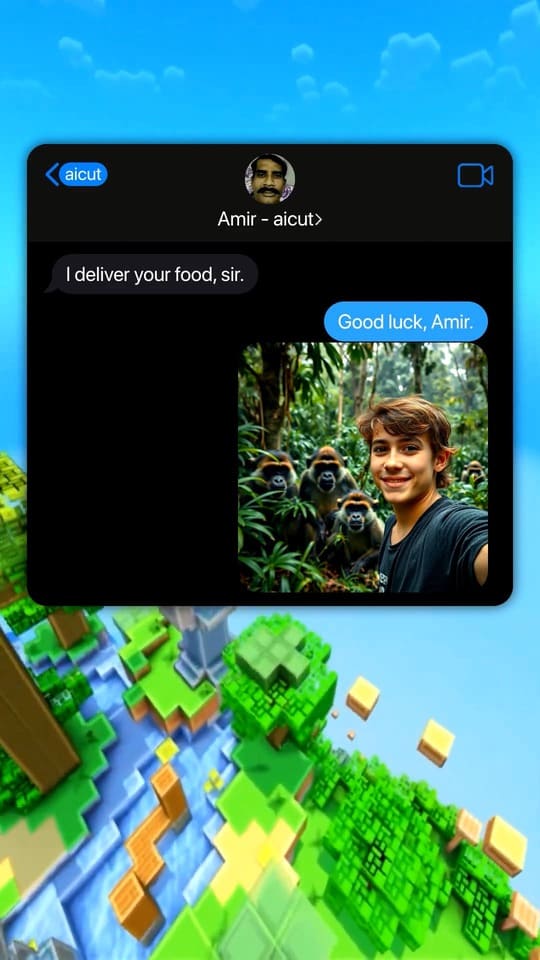
Fake Text Message Video Generator
Viral chat-story videos with AI-written scripts and voices
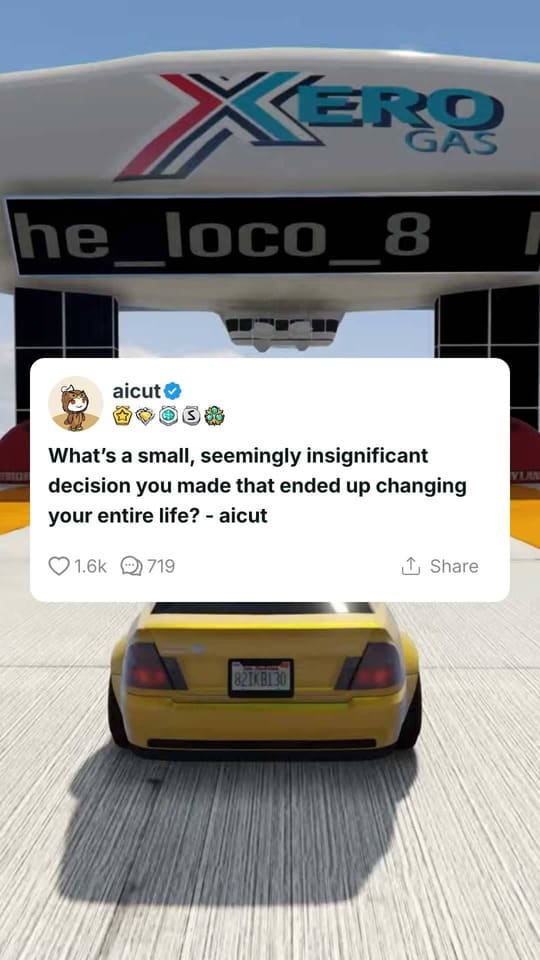
Reddit Story Video Generator
The Reddit-post video format, generated from a paste
All 17 AI creation tools
- AI Video Generator
- AI Image Generator
- AI Image Story Generator
- Fake Text Message Video Generator
- Reddit Story Video Generator
- AI Dance Video Generator
- Top 5 Countdown Video Maker
- AI Subtitles Generator
- Auto-Clip
- AI Auto-Cut
- AI Lip Sync Video Generator
- Reshot
- AI Video Upscaler
- AI Photo Enhancer
- AI Music Generator
- AI Image Editor
- AI Video Editor