AI creation tool
AI Video Editor
A timeline editor for your AI videos, in the desktop browser
aicut's AI Video Editor is a timeline editor in your browser for finishing AI videos. Join clips, split and trim them, add text, shapes, captions, music and your own footage, then export an MP4. It needs the Creator plan ($19.99 a month) or above and a desktop browser.
Free account. The token price is shown before anything is generated.
Why creators use AI Video Editor
A generator gives you clips, and a post is usually more than one clip. The editor is where they become a video: line the clips up on the timeline, split and trim them, put text and captions over them, set the volume and fades, and export one file.
It works on the media you already have in aicut. "Add Generated Asset" opens your library of generated videos, images and audio, and "Upload Image, Video, Audio" adds your own files. Everything lands on the same timeline, and your project saves automatically so you can come back to it.
What you can make with AI Video Editor
- •Joining several AI clips into one story video with text on top.
- •Adding captions to a talking clip and restyling them to fit your channel.
- •Putting your own footage, a voiceover or music under AI clips and fading the sound in and out.
- •Cutting a clip down: split it at the playhead and delete what you do not need.
How AI Video Editor works
01
Open the editor
Open the editor in a desktop browser with an account on the Creator plan or above. Small screens only show a desktop-only notice, and a free account sees an upgrade prompt instead of the editor.
02
Add your media
Use "Add Generated Asset" for videos, images and audio you made in aicut, or "Upload Image, Video, Audio" for your own files, and drop them on the timeline.
03
Cut and style
Drag clips on the timeline, trim them by their ends, or cut them at the playhead with "Split Clip at Playhead". "Add Text" and "Add Solid" add titles and background shapes; position, size, opacity, fades and volume are set in the inspector.
04
Export
Click "Export Video". The finished file is rendered and downloaded to your device, as an MP4 (H.264).
What every AI Video Editor output includes
Multi-track timeline
Stack video, images, audio, text and shapes on separate tracks, drag clips to move them, trim them by their ends, and hide or mute a track.
Text, shapes and captions
"Add Text" and "Add Solid" add titles and background shapes. The "Captions" section of a video or audio clip generates captions from its speech, and you can edit the words, the highlight color and the template.
Fades, volume and speed
Set fade in and fade out, the volume of video and audio clips, and the playback speed of a clip.
Crop, position and size
Crop, resize, rotate and align any visual item, and set its opacity and corner radius.
Export as MP4
"Export Video" renders the project and the finished file downloads to your device. The file is an MP4 (H.264).
What does AI Video Editor cost?
Access to the editor starts with the Creator plan at $19.99 a month; the Automate plan at $39.99 a month includes it too. Clips you generate in aicut to use in it are priced per model in tokens.
| Plan | Price | Video tokens per month |
|---|---|---|
| Free | $0, pay as you go ($0.60 per token) | Try it before subscribing |
| Creator | $19.99/mo ($149.99/yr) | 50 tokens |
| Automate | $39.99/mo ($299.99/yr) | 100 tokens, plus automation |
AI Video Editor FAQ
Which plans include the AI video editor?
The Creator plan ($19.99 a month) and the Automate plan ($39.99 a month). A free account sees an upgrade prompt instead of the editor, and a visitor who is not logged in is asked to create an account or log in.
Can I use it on a phone?
No. The editor is desktop only: on a small screen the page shows a notice asking you to open it from a desktop or laptop computer.
Does the editor cut my video automatically?
No. It is a manual editor: you cut, trim and arrange the clips yourself. Removing pauses and filler words automatically is a separate tool, AI Auto-Cut (aicut.pro/ai-tools/ai-auto-cut).
What format does the export have?
An MP4 (H.264).
Can I post the result directly to TikTok, YouTube or Instagram?
Yes. Connect your accounts once and publish any finished video from inside Aicut in one click, or schedule it. Downloads are always available too.
Can I use what I make commercially?
Yes. Everything you generate on a paid plan is yours to post and use.
Do I need an account, and what does it cost?
You can look at the tool without an account. Generating needs a free account, and the token cost is shown on the button before you click it.
Is aicut free?
Yes, you can start for free. The free plan costs $0 and is pay as you go: you only pay for what you generate, at $0.60 per token, and the price is shown before anything is generated. Paid plans add a monthly token allowance.
Try AI Video Editor now
Sign up free, see the price, generate. Your first result is minutes away.
Open AI Video EditorDiese Seite auf DeutschCette page en françaisQuesta pagina in italianoEsta página en español
More AI creation tools
Every tool in one account, one token balance, one editor.

AI Video Generator
Every leading video model, one prompt box, one token balance

AI Image Generator
Generate and upscale images with the leading models

AI Image Story Generator
A script becomes a narrated, illustrated vertical video
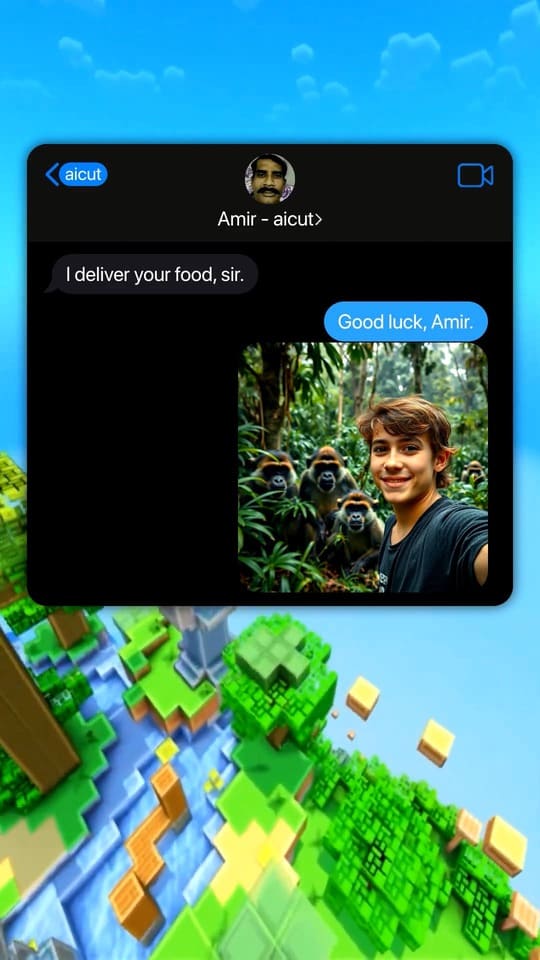
Fake Text Message Video Generator
Viral chat-story videos with AI-written scripts and voices

Reddit Story Video Generator
The Reddit-post video format, generated from a paste

AI Dance Video Generator
A still image follows a real dance, move for move
All 17 AI creation tools
- AI Video Generator
- AI Image Generator
- AI Image Story Generator
- Fake Text Message Video Generator
- Reddit Story Video Generator
- AI Dance Video Generator
- Top 5 Countdown Video Maker
- AI Subtitles Generator
- Auto-Clip
- AI Auto-Cut
- AI Lip Sync Video Generator
- Reshot
- AI Video Upscaler
- AI Photo Enhancer
- AI Music Generator
- AI Image Editor
- AI Video Editor