

How to Make What-If Explainer Videos with Explainer Studio
AI Tool Tutorial
Explainer Studio turns a topic into a narrated 9:16 what-if or explainer short in the look of a trending reel, in 2D or real 3D. Learn how to make one with aicut and Claude: pick a style or paste a TikTok, Instagram or YouTube link, type your topic, pick the length and let Claude write, voice and render it. No filming, no editing and no camera.
In this guide
Connect · Step 1
Open Explainer Studio and connect Claude
Go to aicut.pro and open Explainer Studio under Create. Claude makes the video with aicut's tools, so connect the two once: in Claude, open Settings, then Customize, then Connectors, choose Add custom connector, name it aicut and paste https://mcp.aicut.pro/mcp. Hit Connect, sign in with your aicut account and choose Allow access.
- The first time you press Generate in Claude, the page asks you to connect. Choose Connect aicut MCP, or I'm already connected if you have done it before.
- Connecting is free. Your videos spend tokens from your normal aicut balance.

Style · Step 2
Pick a style or paste a reference
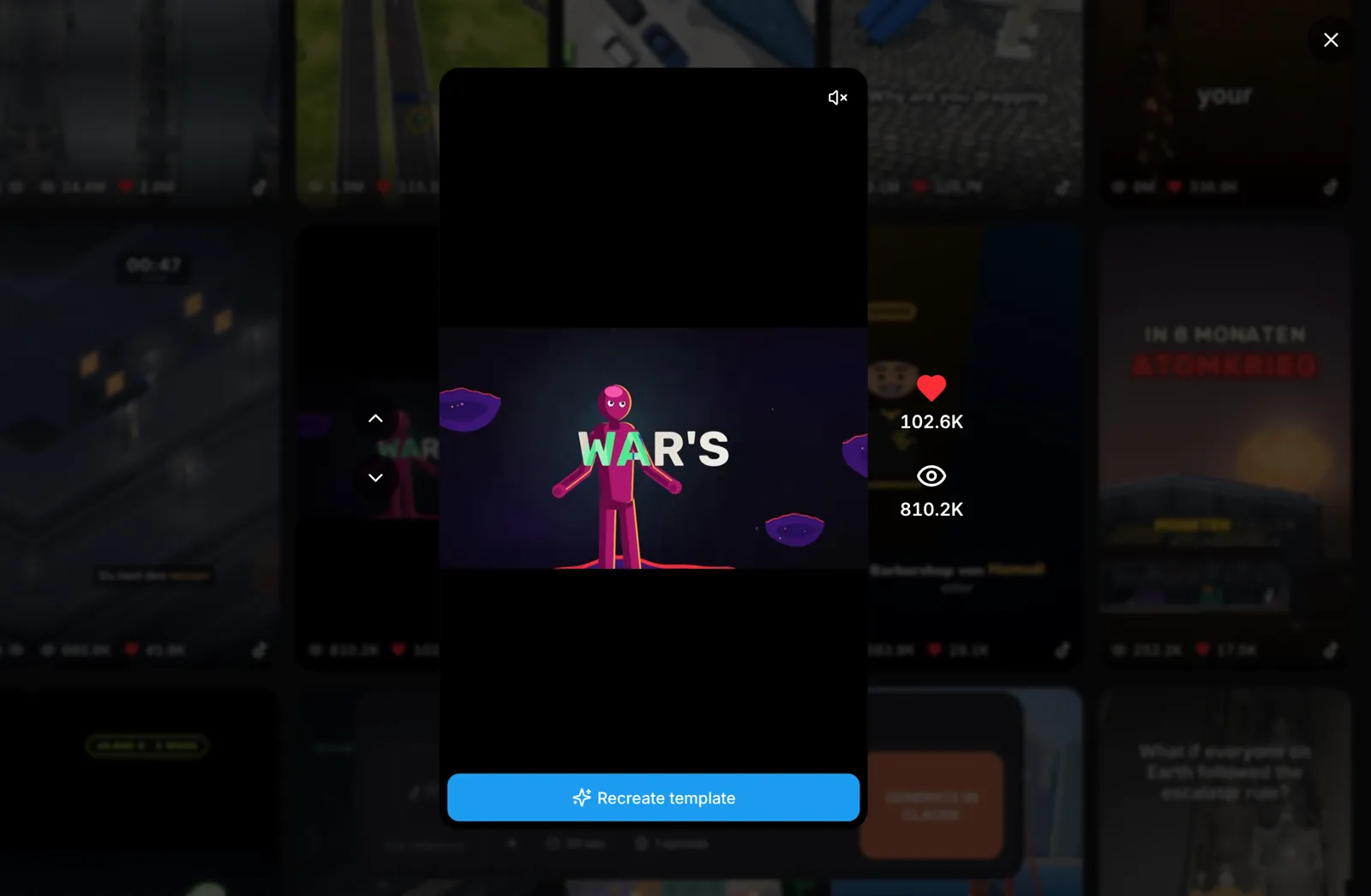
Under Explore, every tile is a trending reel your video can take its look from: the pacing, the camera, the transitions and the captions. Click a tile to watch it full screen and choose Recreate template. To copy a reel you found yourself, click Add reference, choose Add TikTok or Instagram link and paste a TikTok, Instagram or YouTube link, or choose Upload or select file for a clip.
- Only the look is recreated. Your story is new: the reference's script and characters are not copied.
- When the reference is drawn in 3D, such as clay, toy, low-poly or voxel, your video is rendered in real 3D too.
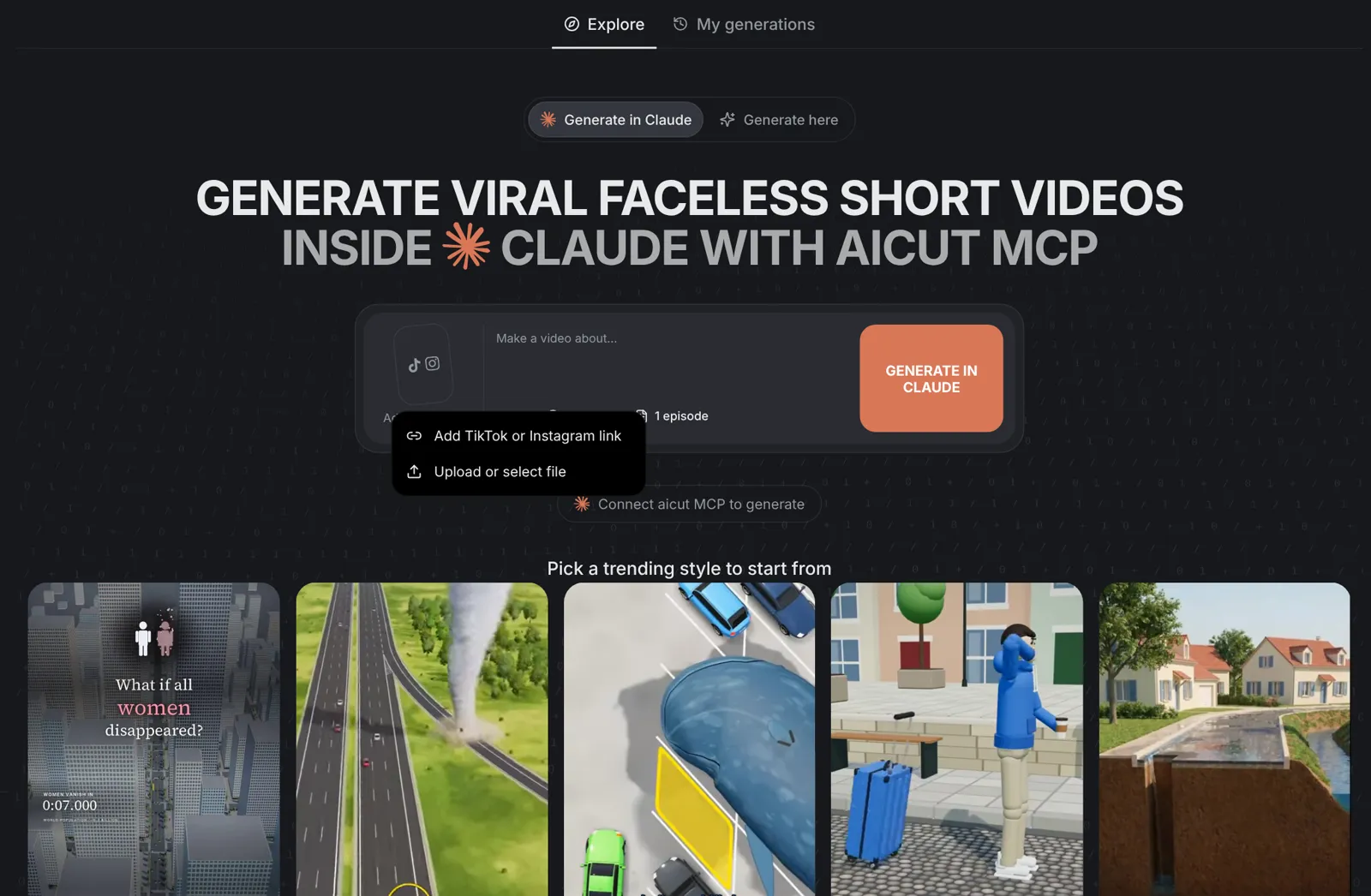
Tip: Click + to add pictures of your own characters, props or colours. They steer the details; the reference still sets the style.
Topic · Step 3
Type your topic and pick the length
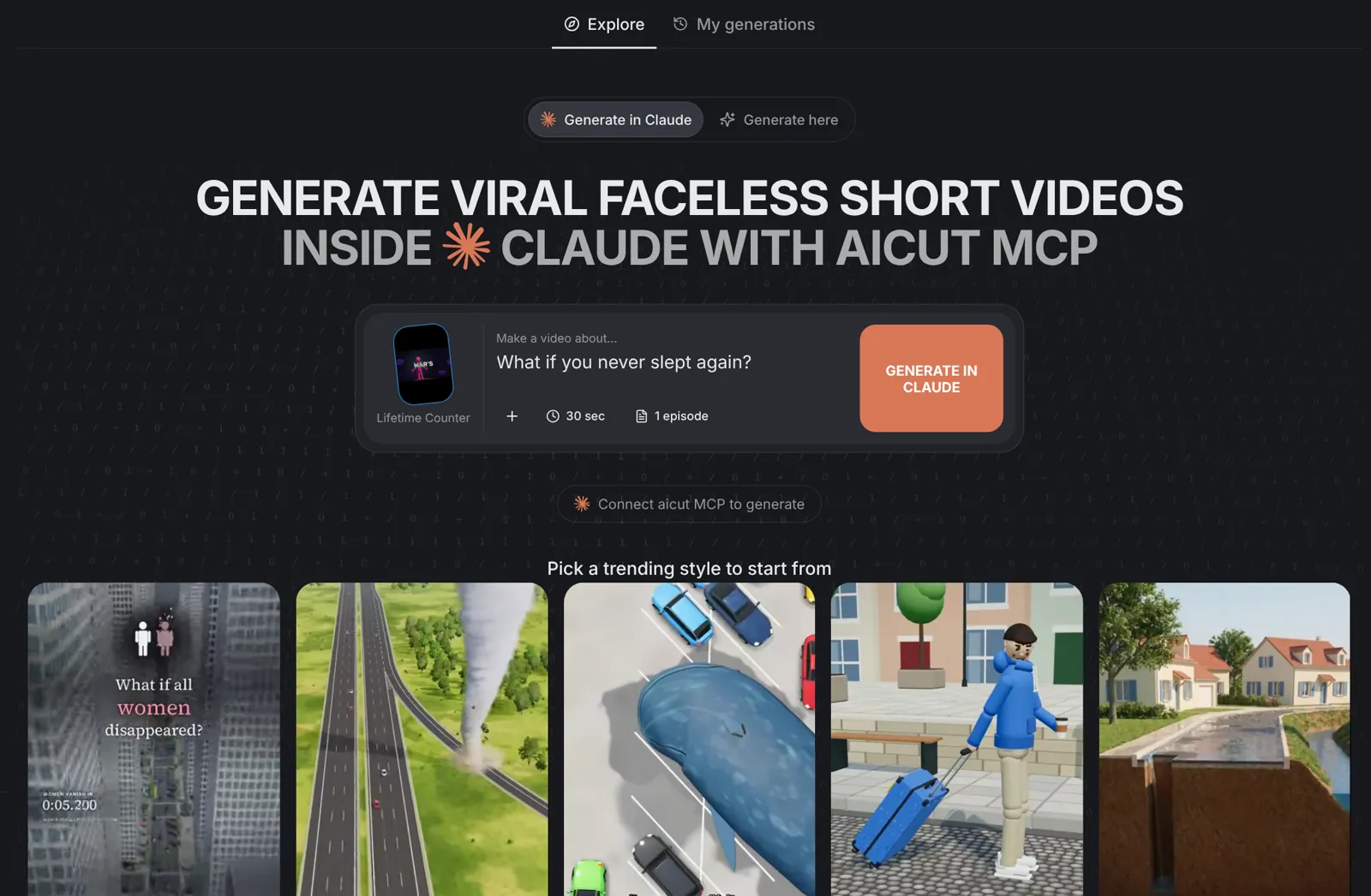
Type your idea in the topic box, such as What if the Moon had a city or What if gravity switched off for a day. Set Length anywhere from 15 seconds to 5 minutes in 5 second steps; 30 seconds is the default. Pick 1 to 4 episodes for a Part 1, Part 2 series.
- A specific premise works best: one impossible change, then what happens next, step by step.
- Episodes share one look and one voice, and each one ends on a turn that leads into the next.
- The voiceover is in the language you type your topic in.
Price · Step 4
Press Generate in Claude and approve the price
Press Generate in Claude. A new Claude chat opens with your topic, style, length and episodes filled in; send it. A run reserves 10 tokens per minute of video, and the ElevenLabs voiceover is a small charge on top. Claude says in one line how many tokens it holds and about how many it expects to use, then makes the video without asking again. The unused part of the hold is returned when the run ends.
- A 60 second video holds up to 11 tokens and is expected to use about 1.
- The hold covers this one video. A change, a re-voice or a new video is priced and asked first.
Tip: Generate here, which makes the video on aicut without Claude, is coming soon. Generate in Claude works today.
Video · Step 5
Get your video
Claude studies the reference frame by frame, writes a new story in its format and pacing, voices it with one ElevenLabs v4 take and draws every frame in code with Remotion in your own aicut cloud sandbox, with word-by-word captions. The finished 9:16 video comes back in the chat, under My generations on the Explainer Studio page and in your aicut library.
- Ask for a change in the same chat, like a new ending or a faster pace. Claude prices anything new before it spends.
- No AI footage is generated: every scene, shape and caption is drawn in code.
Claude Code and CLI · Step 6
Make it from Claude Code or the terminal
In Claude Code, add aicut with claude mcp add --transport http aicut https://mcp.aicut.pro/mcp, then ask: Use aicut to run /explainer-studio, followed by your topic. With any other coding agent, install the aicut CLI with npm i -g aicut-cli, sign in with aicut login and add the skills with npx skills add aicut-pro/skills, then ask for /explainer-studio and your topic. The agent runs aicut studio styles, aicut studio reserve and aicut sandbox exec for you.
- Started from a chat or a terminal, every paid step is priced and asked first: the run, then each voiceover take.
- Send /explainer-studio with no topic to see the styles and pick one.