
How to Make an AI Music Video From Any Song
AI Tool Tutorial
AI Music Video turns a song into a vertical music video: one performer lip-syncs every word while the video cuts on the beat through several places. Learn how to make one with aicut: add a song, pick the part it sings, choose a performer, check the cuts and generate. No filming, no editing and no prompt to write.
In this guide
Song · Step 1
Write a song or upload your own
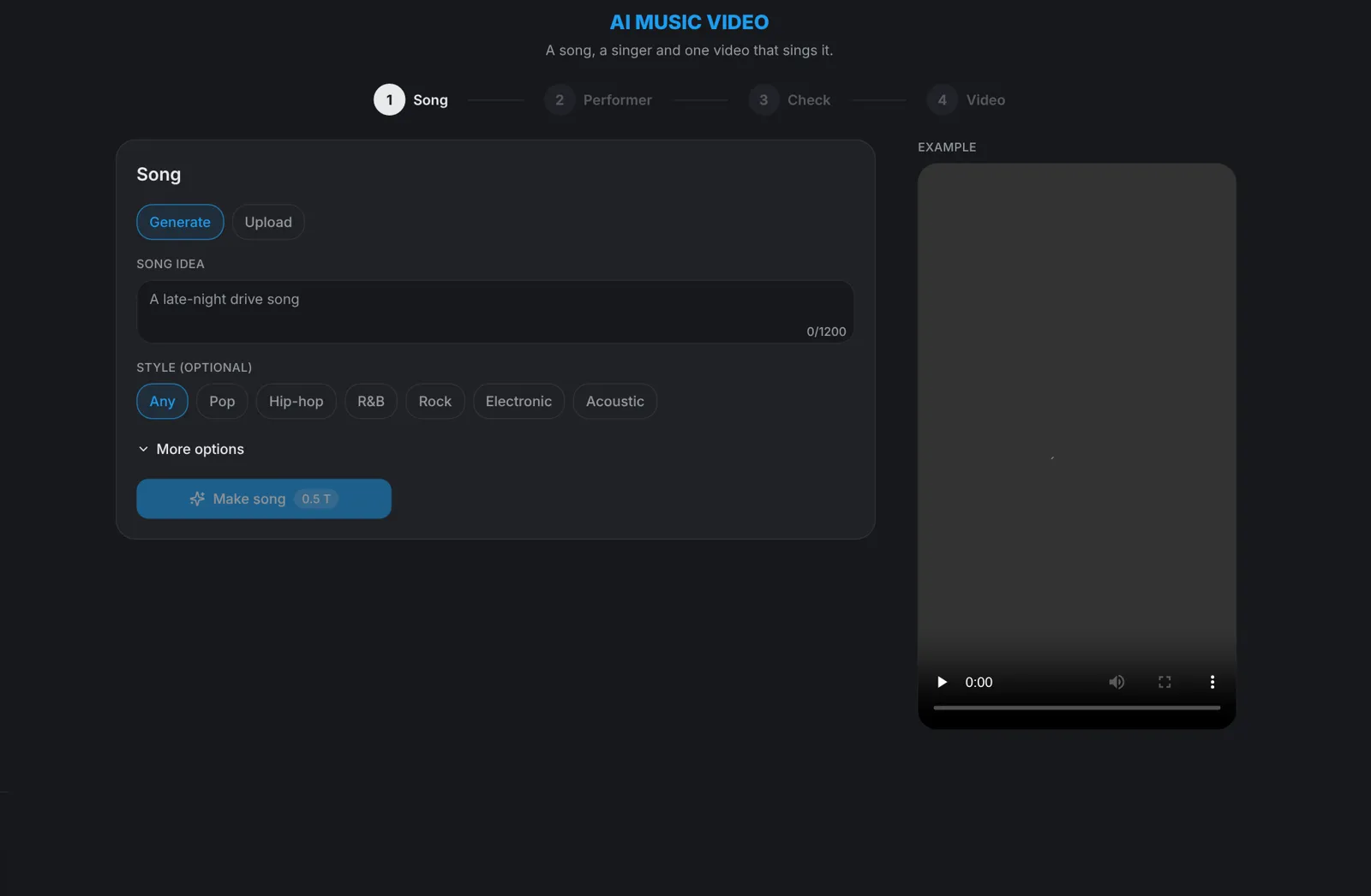
Open AI Music Video on aicut. Under Song, choose Generate and type a song idea, such as a late-night drive song, pick a style or leave it on Any, and hit Make song: the price is on the button. Or choose Upload and pick an mp3 or wav with a clear vocal. Songs you used before are listed under Your songs.
- Open More options to write your own lyrics.
- Only upload a song you have the rights to.
Part · Step 2
Pick the part the video sings
Drag the handles on the waveform to choose the part of the song the video sings, from 4 to 30 seconds. Press play to hear it, then hit Continue to the performer.
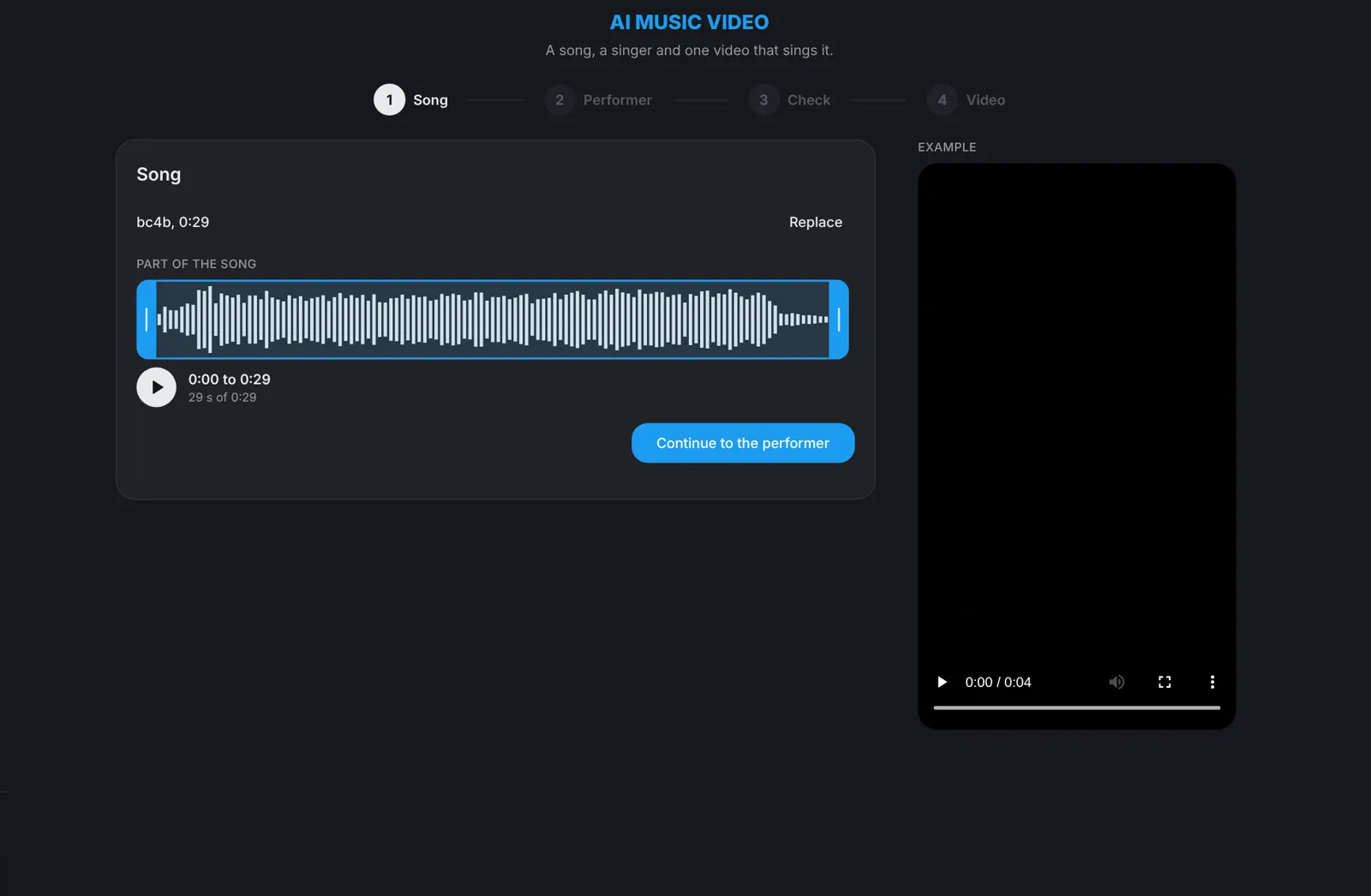
Tip: The hook or the chorus makes the strongest clip: it is the part people already know.
Performer · Step 3
Choose a performer
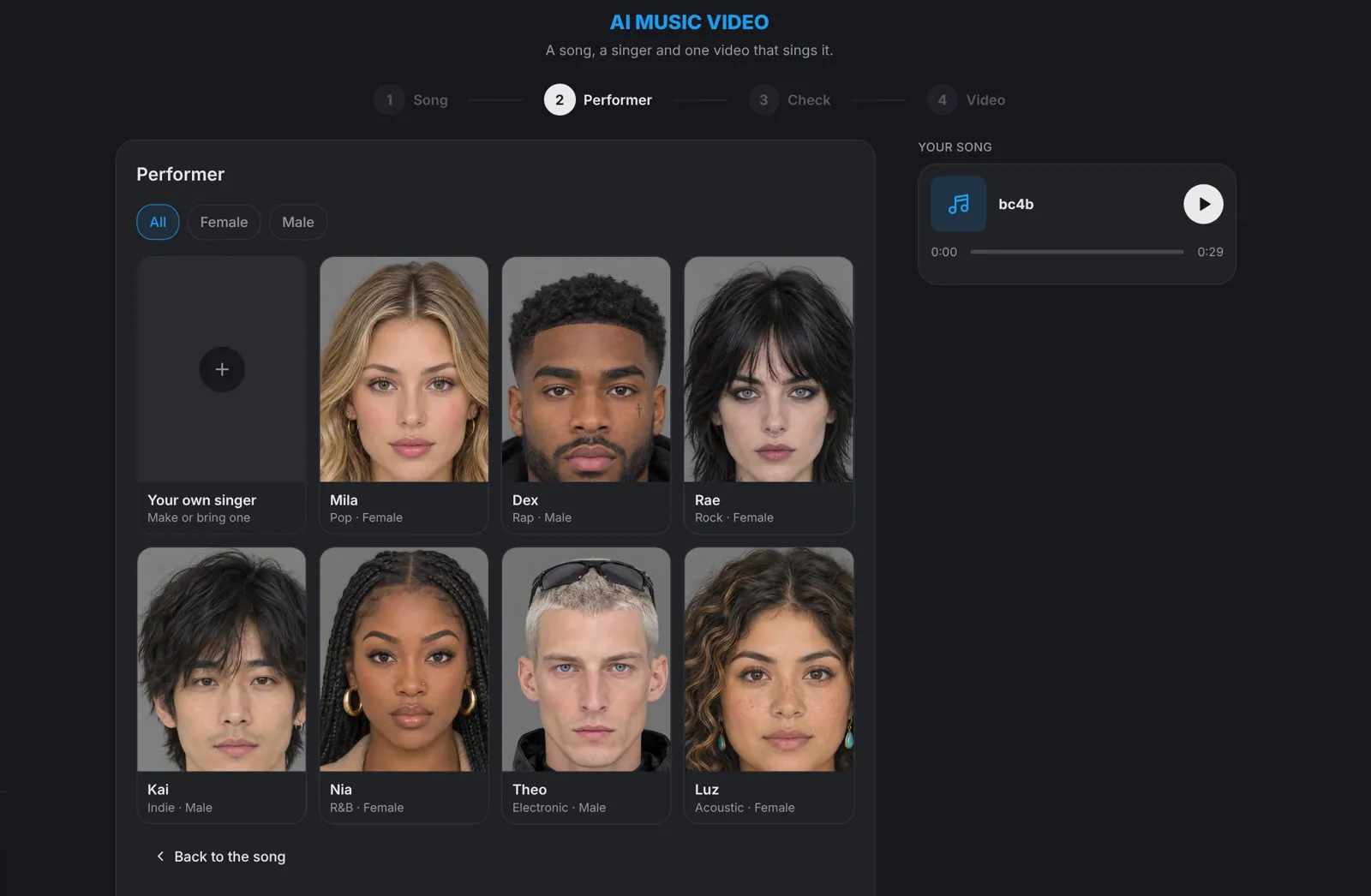
Pick one of the ready performers, filtered by Female or Male, or choose Your own singer to make one for this song or use your own picture. Then hit Continue.
- The face, hair and outfit stay the same in every shot of the video.
- Only use photos of people who agreed to be in the video.
Cuts · Step 4
Plan the cuts, then check them
Under Check, add an idea if you have one, such as driving through the rain, then meeting a friend, or leave it empty, and hit Plan the cuts. aicut writes one connected chain of shots for your part of the song, each with its own place and camera. Open any cut to read it and change what happens in plain words, or hit Rewrite for a new plan.
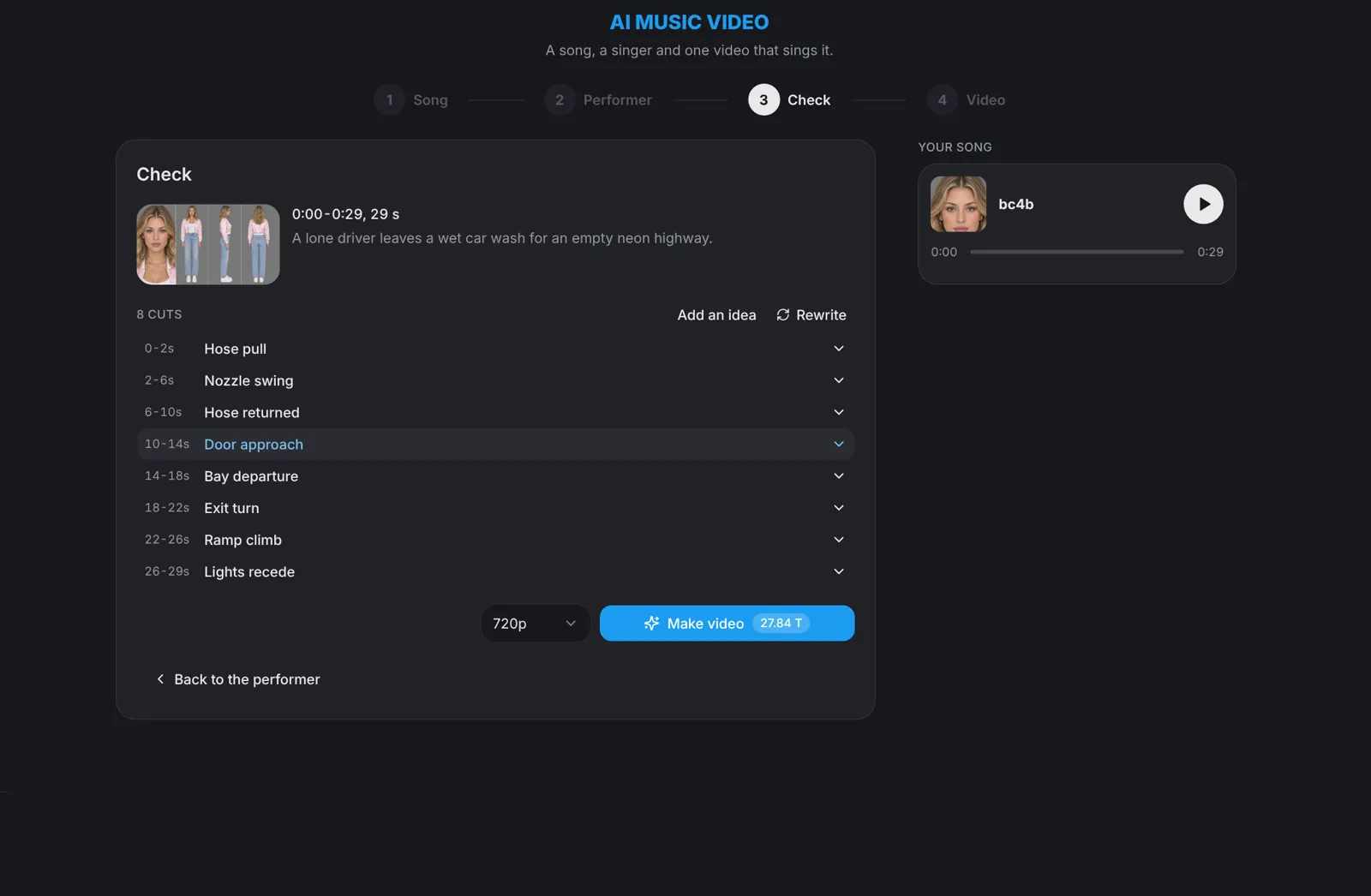
Tip: A cut that picks up the movement of the one before keeps the video flowing. Change the action, not the order.
Generate · Step 5
Hit Make video
Pick the resolution, 720p by default, and hit Make video: the button shows the price before you click. You get one vertical 9:16 video in which the performer sings the part you picked from the first frame to the last, ready for TikTok, Instagram Reels and YouTube Shorts.
Claude and CLI · Step 6
Make it from Claude or the terminal
Connect aicut to Claude as a custom connector with https://mcp.aicut.pro/mcp and ask it to make a music video with aicut: it follows the same steps, the song, the part, the performer and the cuts. With a coding agent, install the aicut CLI with npm i -g aicut-cli, sign in with aicut login, add the skills with npx skills add aicut-pro/skills and ask for a music video.
- Every paid step is priced and asked first: the song, the performer and the video.