

How to Make a Modern Warfare in History AI Video
AI Trend Tutorial
Modern Warfare in History videos look like phone footage filmed from the crowd: an army from the past fights with modern weapons, with a helicopter fast-roping Knights Templar into a castle courtyard, a tank blasting a siege tower and a rifle line firing from behind a stone wall, and nobody around finds it unusual. The reference clip has 1.2 million views on Instagram. Learn how to make your own with aicut: pick a warrior culture, add a move or your own commander if you like, and generate. No filming, no editing and no prompt writing.
In this guide
Culture · Step 1
Pick a warrior culture
Go to aicut.pro and open the Modern Warfare in History template. Under Warrior culture, pick Knights Templar, Roman Legion, Spartans, Vikings, Samurai, Wild West, Ancient Egypt, Aztec Warriors, Mughal Empire or Stone Age. The culture sets the army, its commander, the crowd and the landmarks: Templars in great helms and white surcoats led by their grand master, a Roman legion led by a centurion, Spartan hoplites led by their king.
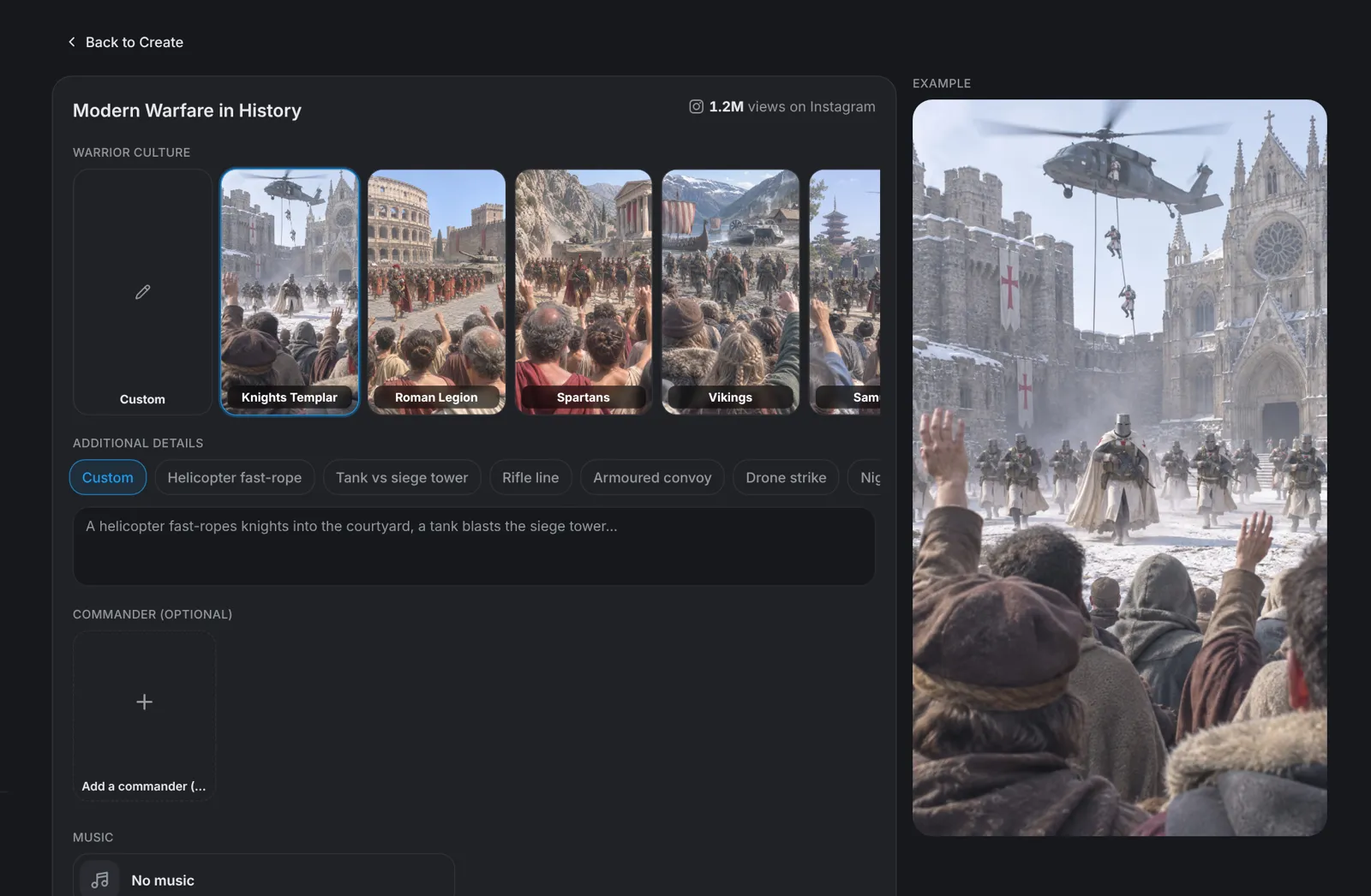
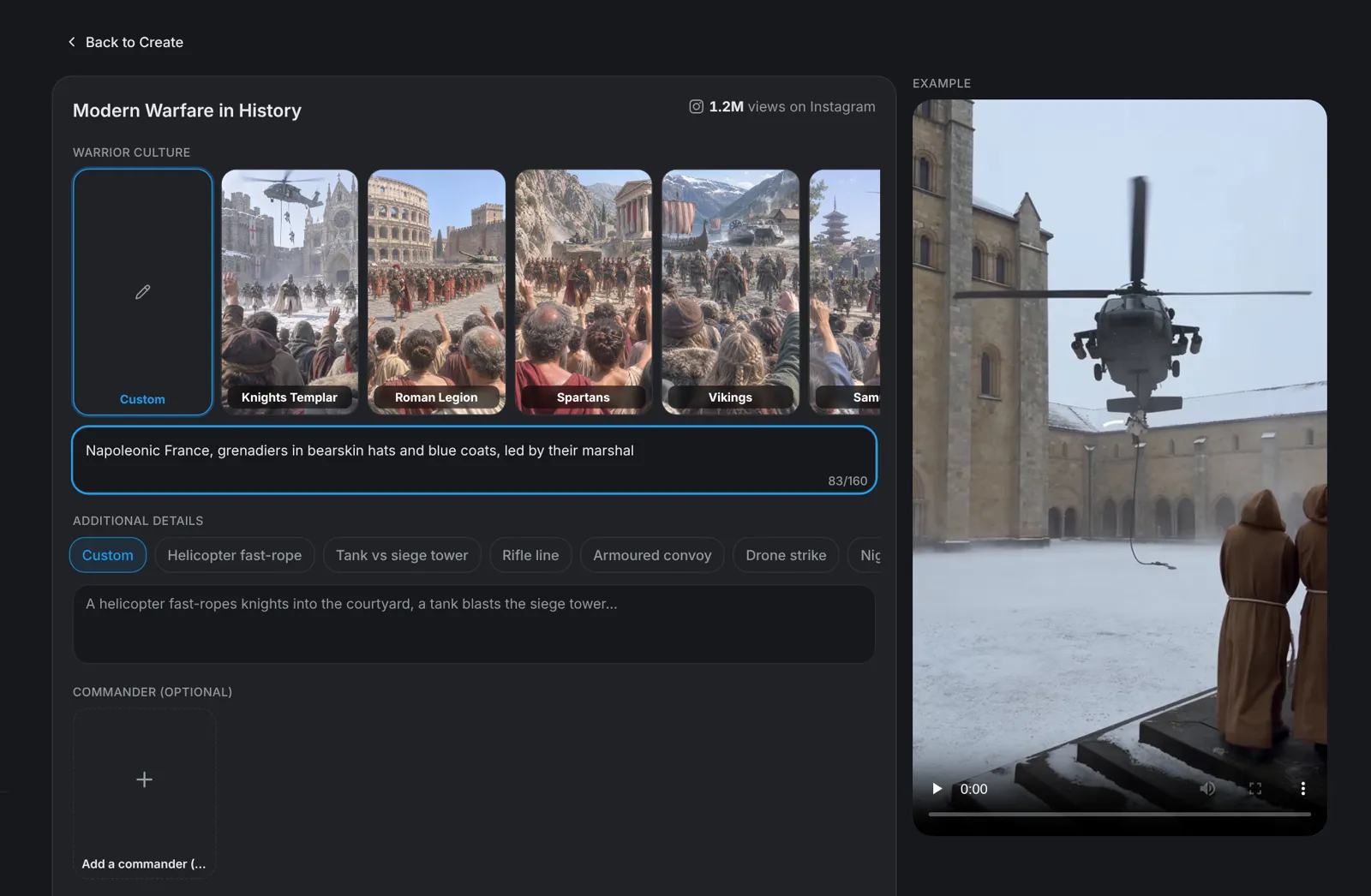
Tip: Choose Custom to type any other warrior culture and its commander.
Commander · Step 2
Keep the culture's commander or cast your own
Commander (optional) leads your army, with the same face and outfit in every shot. Leave it empty and aicut uses the culture's own commander. To set one, click Add a commander and pick one of the ten presets under Presets, such as Templar grand master, Centurion, Spartan king or Samurai general, or upload a picture, use one you made before or generate a new one. Once it is set, Second character (optional) appears for a second in command.
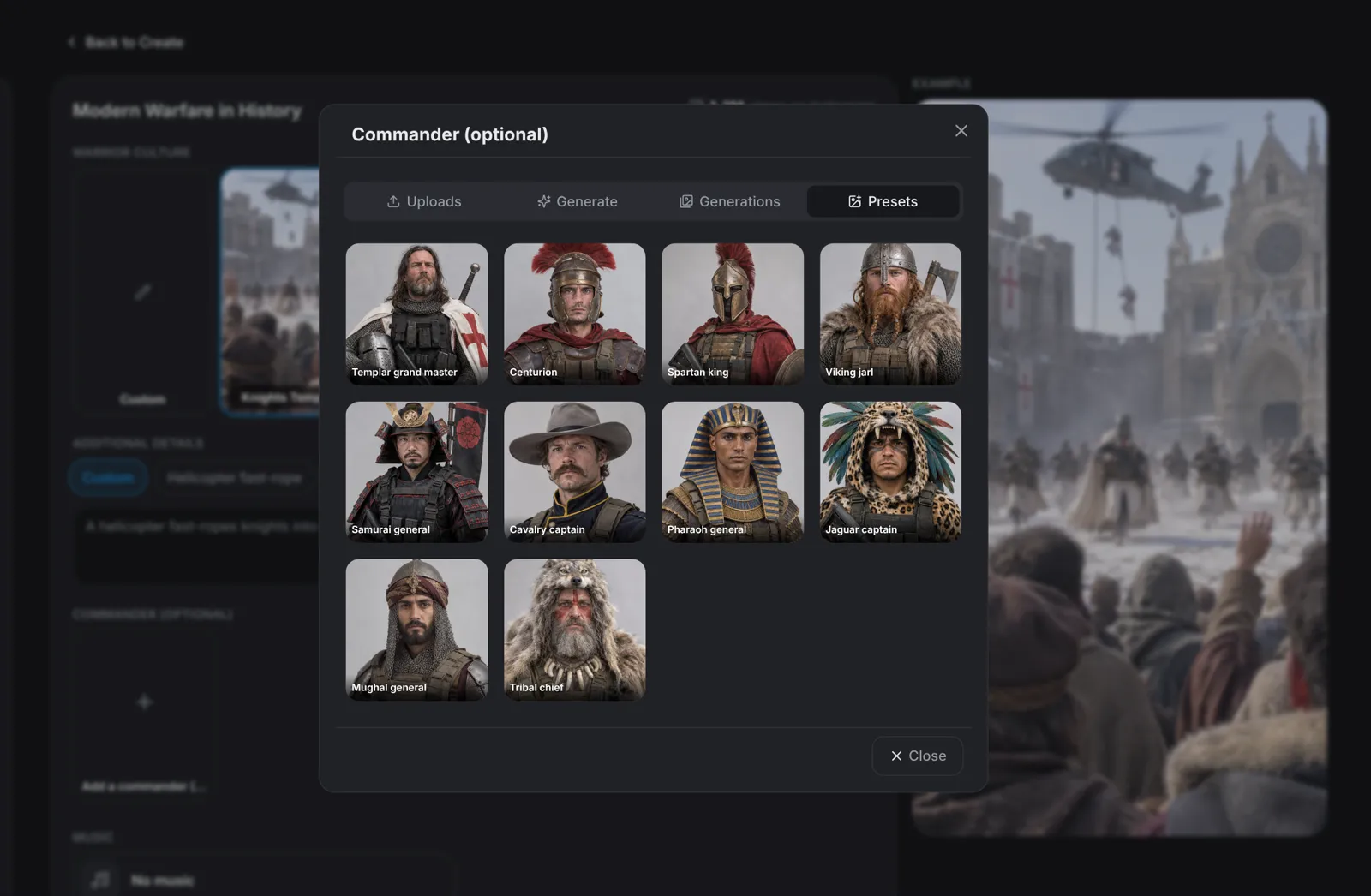
Tip: The commander or the second in command is in at least two of every five shots, so pick a face that is easy to recognise.
Details · Step 3
Add a move and pick the music
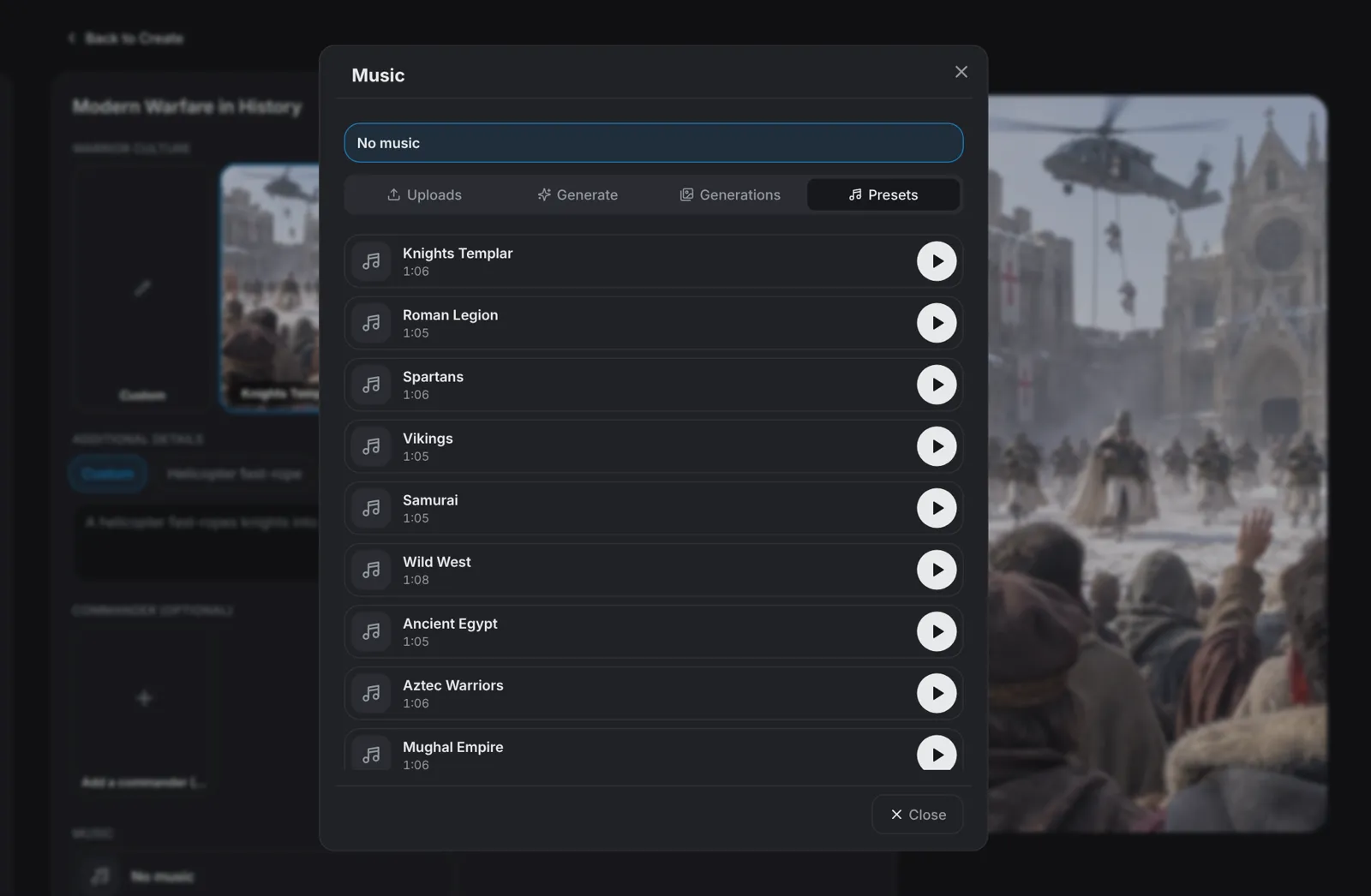
Additional details is optional. Type a weapon, a siege or a moment, or tap a suggestion such as Helicopter fast-rope, Tank vs siege tower, Drone strike or Night vision raid to fill the box. Music follows your culture: each one brings its own phonk beat with a war chant. Pick another track or Iron Crusade under Presets, upload your own, or choose No music. Under Advanced, choose 10 to 60 seconds in steps of 10 and 480p or 720p; the format is 9:16.
- Every 10 seconds holds five fast shots with hard cuts, each filmed as if by a different bystander in the crowd.
- The music plays under the whole video, over the sound of rotors, rifles and engines.
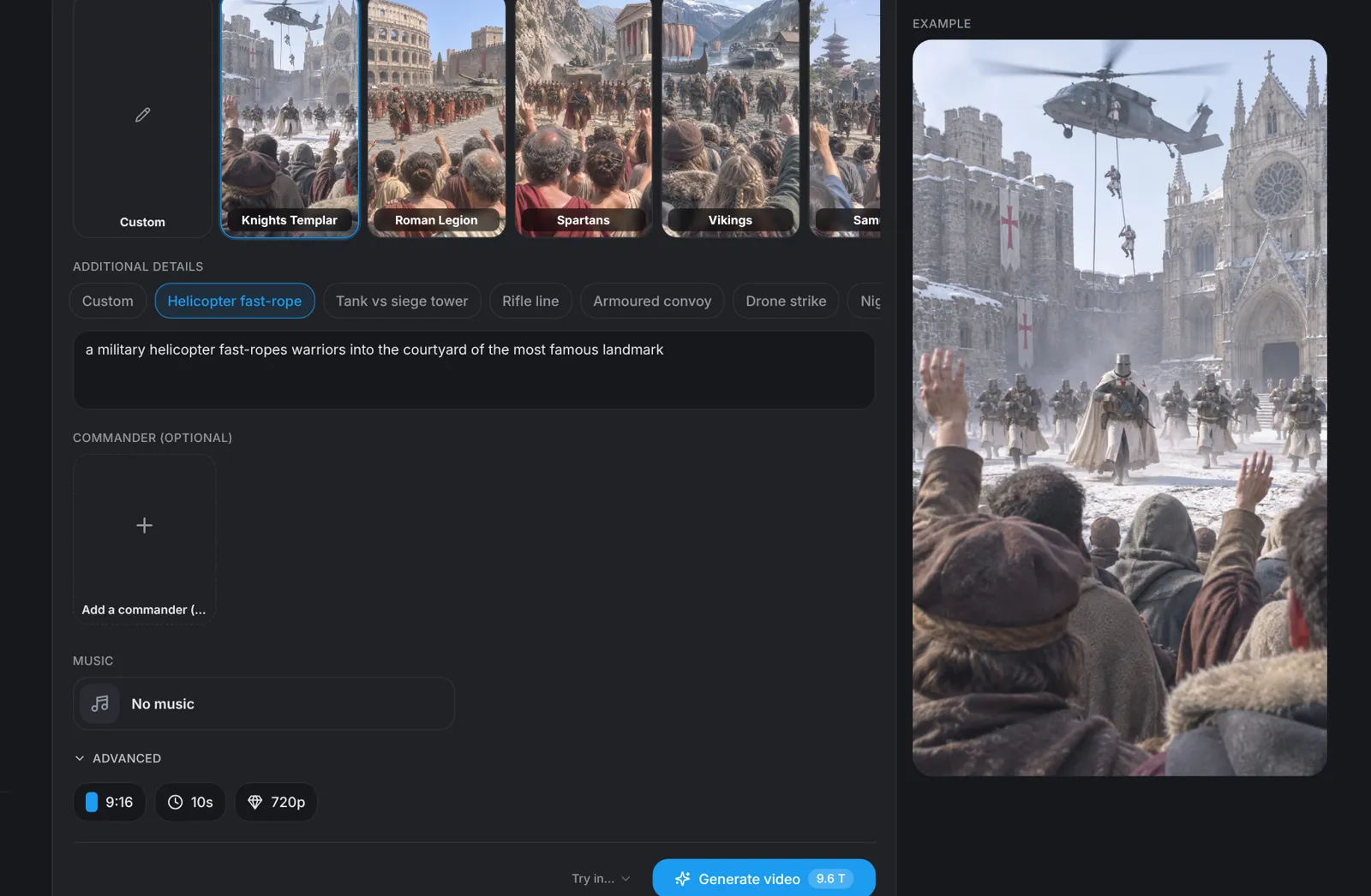
Tip: Lead with the most eye-catching move. The video always ends on the army standing calm in the aftermath, its banner waving on the tower.
Generate · Step 4
Hit Generate video
Click Generate video: the button shows the price in tokens before you click, 9.6 tokens for the default 10 seconds at 720p. aicut writes the scenes for your culture, films every 10 seconds as five crowd phone shots with hard cuts, adds film grain and puts them together in 9:16, with your track under the whole video if you picked one.