How to Make AI Presenter Reels with Shorts Studio
AI Tool Tutorial
Shorts Studio recreates a viral reel with your own presenter, voice and script: a vertical reel of one person talking to camera, in the reference's format, from 15 seconds to 2 minutes. Learn how to make one with aicut: pick a preset or upload a reel, add a photo or a video of your presenter, choose a voice, write the script and generate it in aicut for one price or in Claude.
In this guide
Preset · Step 1
Open Shorts Studio and pick a preset
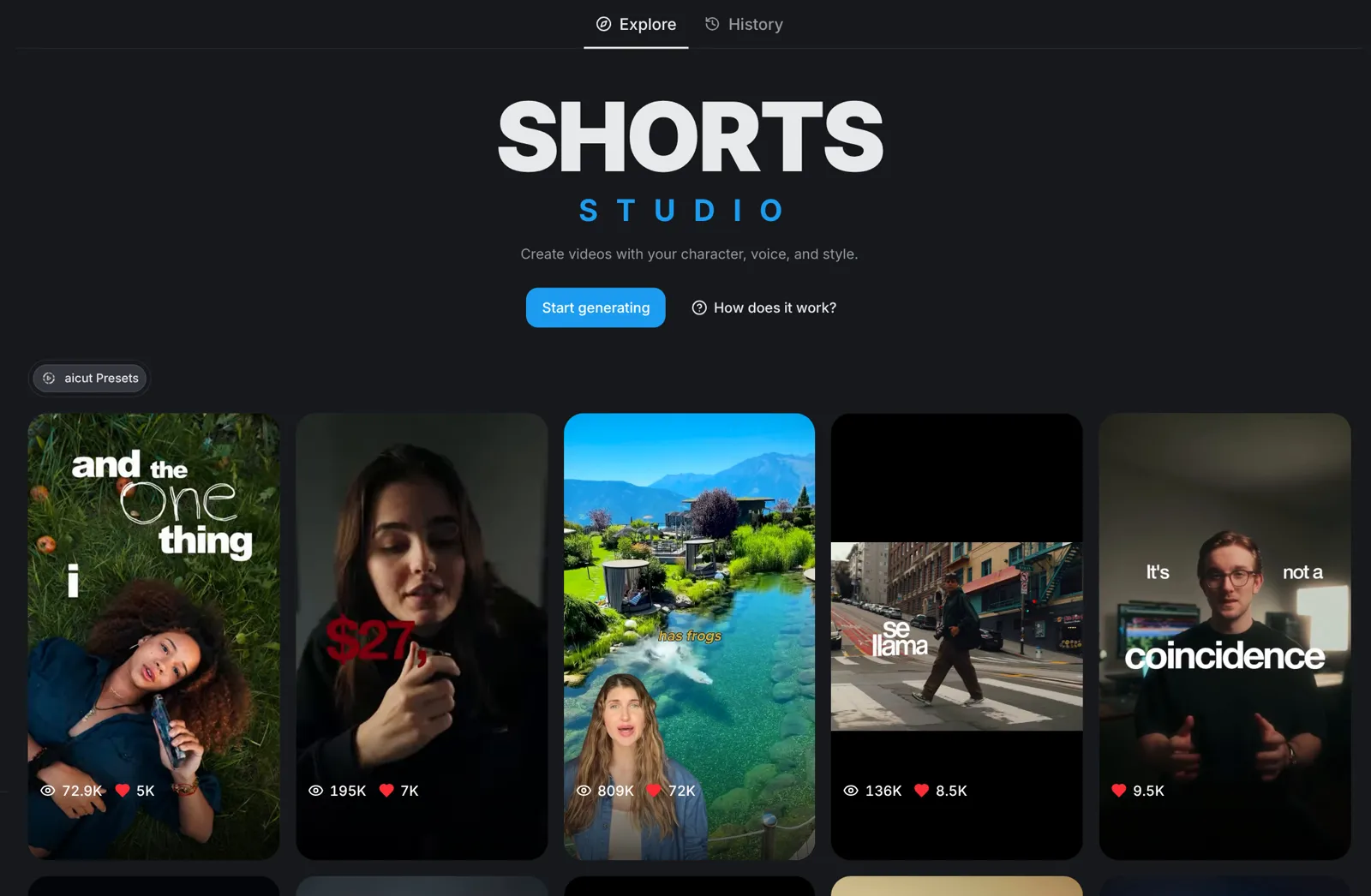
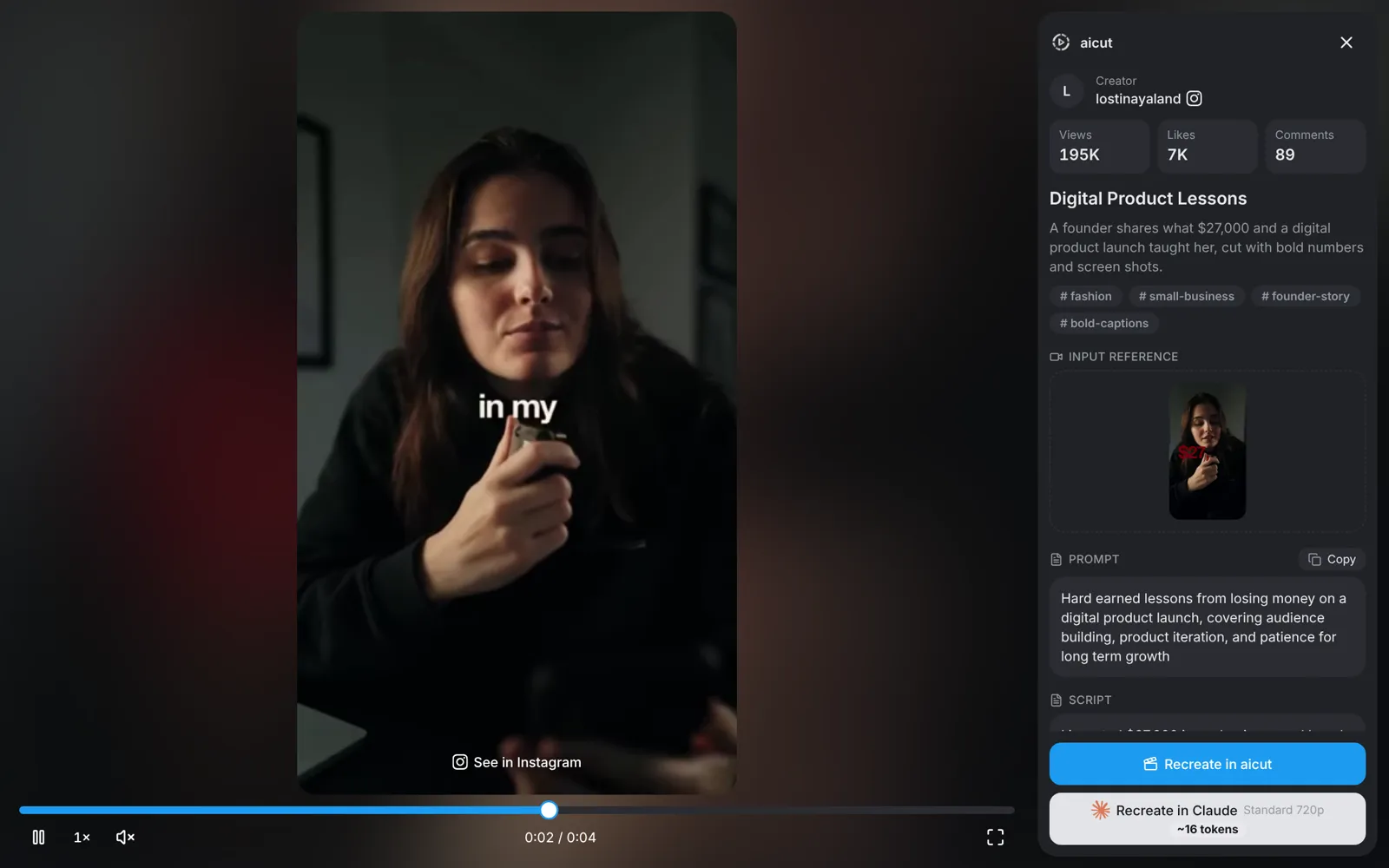
Go to aicut.pro and open Shorts Studio under Create. Under Explore, every preset is a reference short: it sets the format, from the pacing and captions to the visual style. Click a preset to watch it full screen with its views and likes, then press Recreate in aicut.
- Hover a preset and press Recreate to start from it straight away.
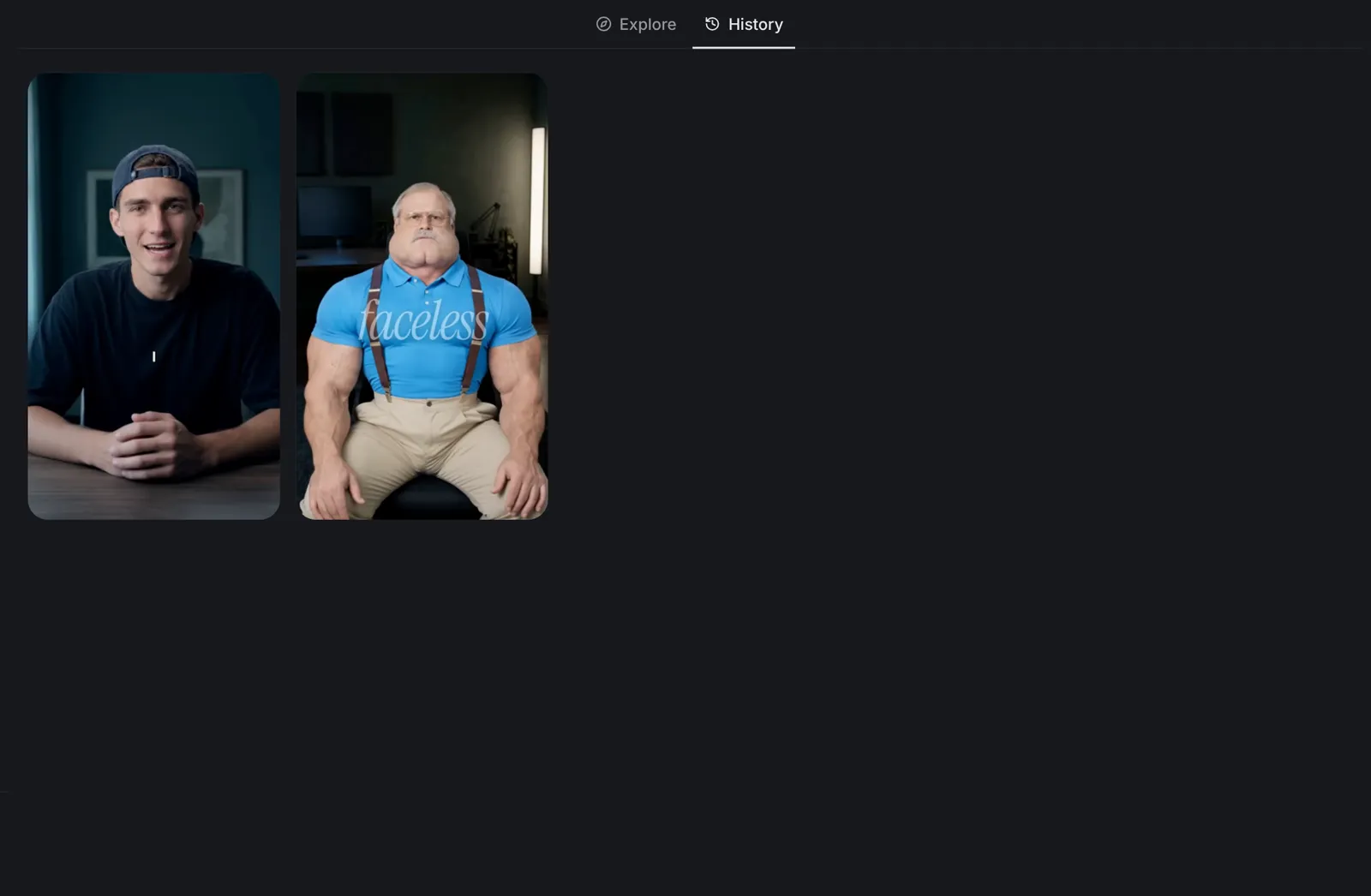
- History lists every reel you made.
Reference · Step 2
Or upload your own reel
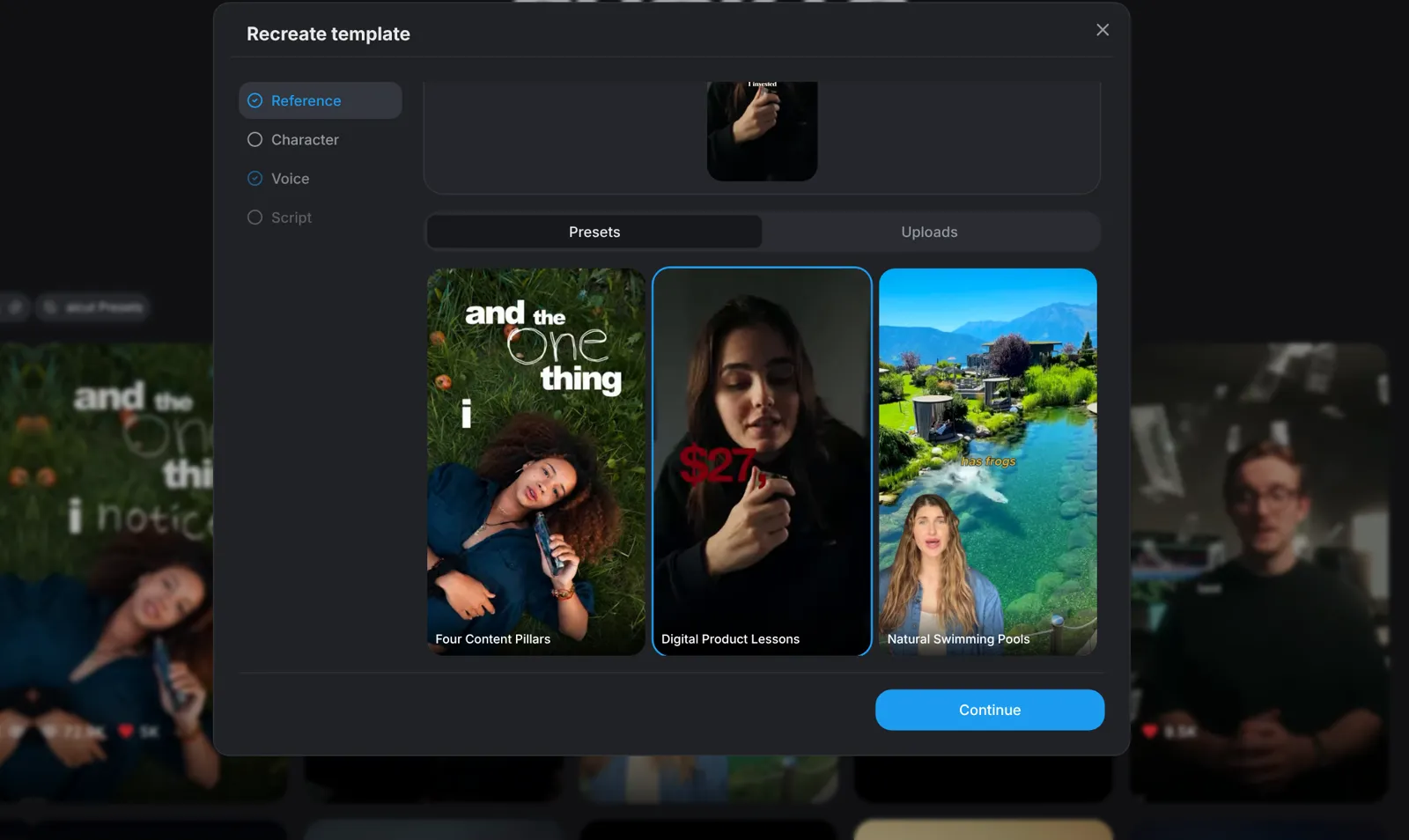
Press Start generating and the Recreate window opens at Reference. Click or drag and drop a reel of 10 seconds to 2 minutes and it becomes the reference; a longer one is refused, so trim it first. Presets lists the gallery's presets and Uploads the reels you added before.
- One reference per reel: a preset or your own reel, not both.
- Only the format is copied: the script is written for your idea.
Presenter · Step 3
Add your presenter
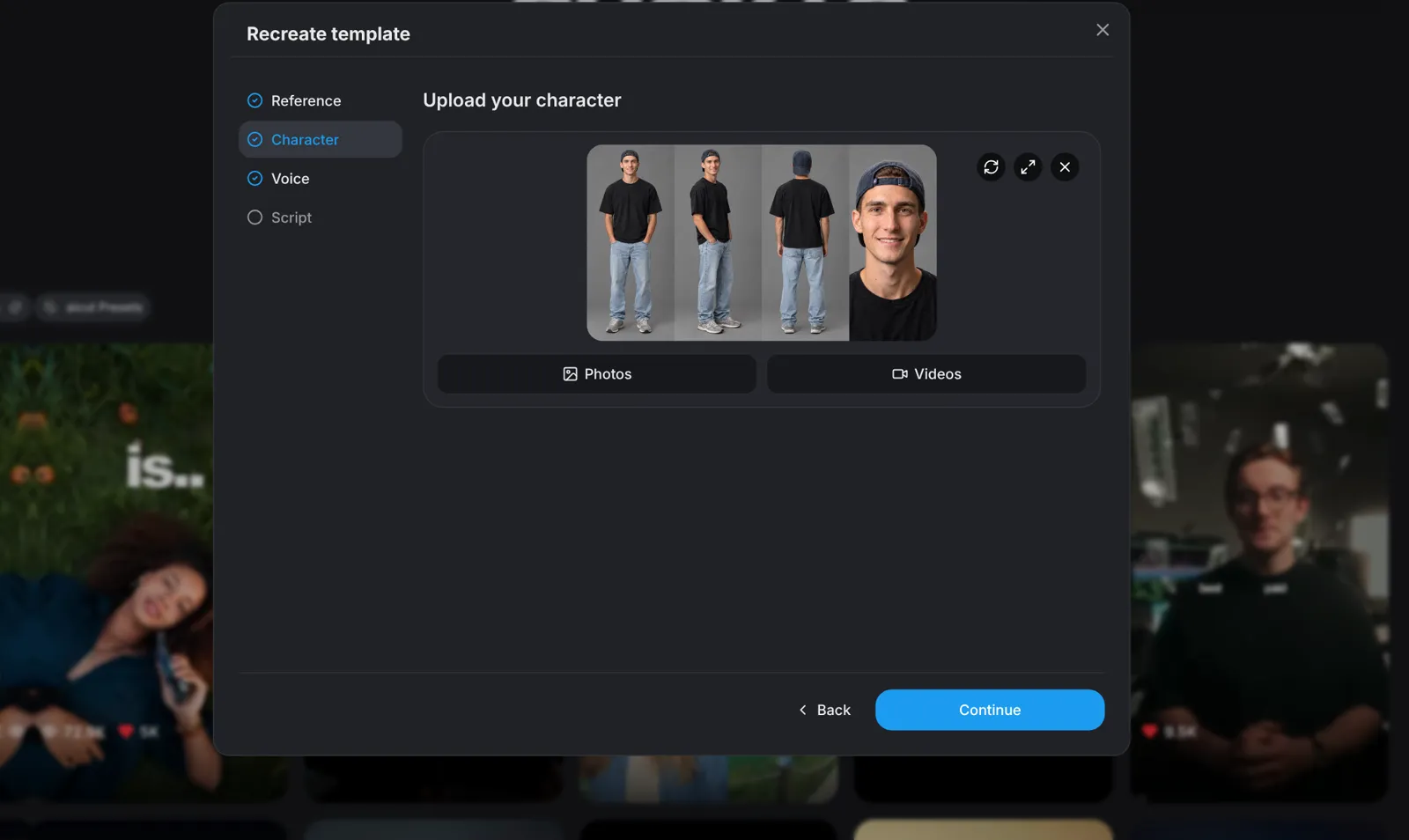
At Character, click or drop a photo or a video of the presenter, or choose Photos or Videos to pick from your uploads and generations, a finished AI video included. A video can be 3 seconds to 2 minutes long. Preview shows the presenter large before you continue.
- Use only people who agreed to it. Before the first reel you confirm their consent and accept the Terms of Service.
Voice · Step 4
Choose a voice
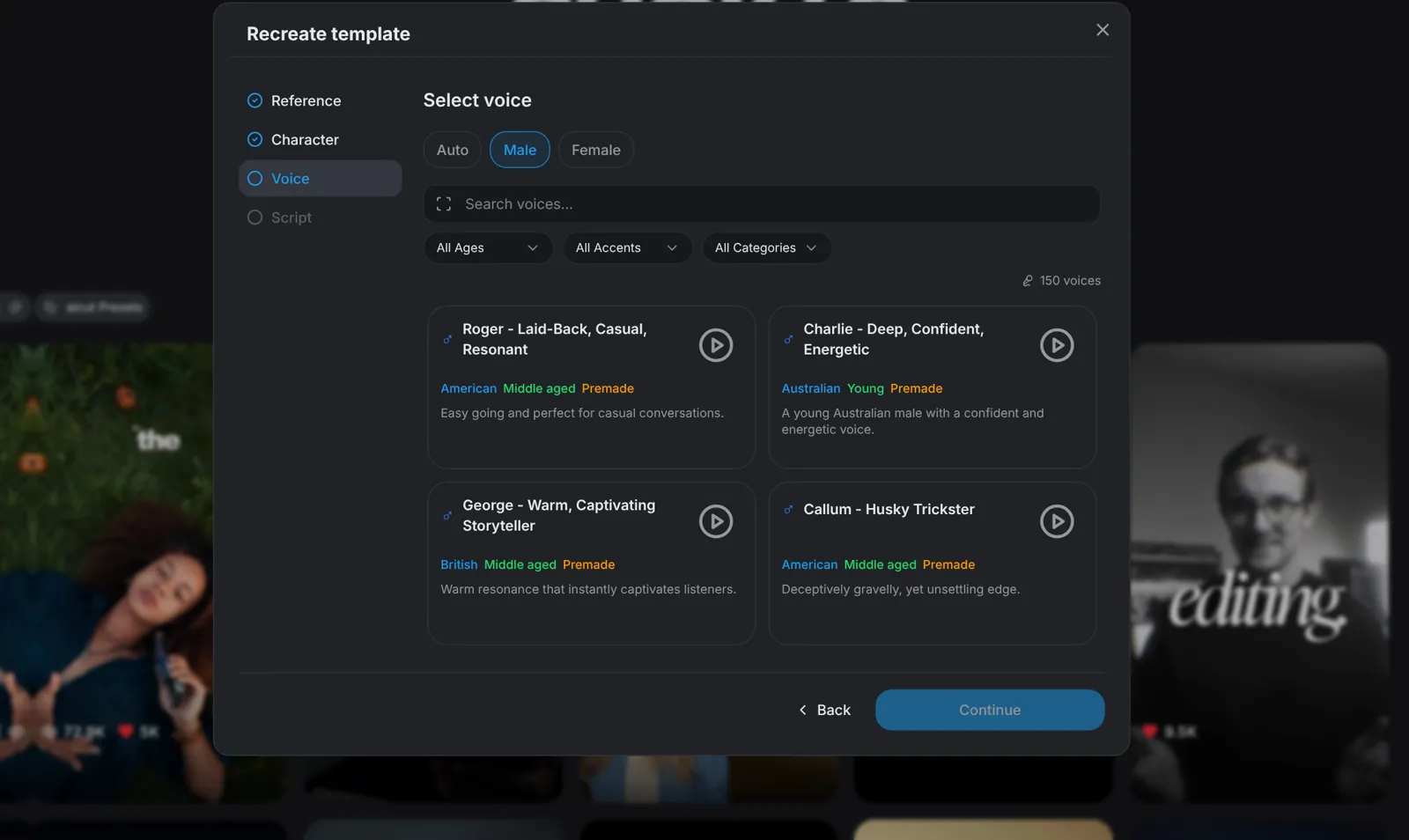
At Voice, keep Auto and a voice is matched to your presenter, or open Male or Female and pick a voice from the list after hearing its preview.
- Voices come from the list: Shorts Studio does not clone a voice.
Script · Step 5
Turn your idea into a script
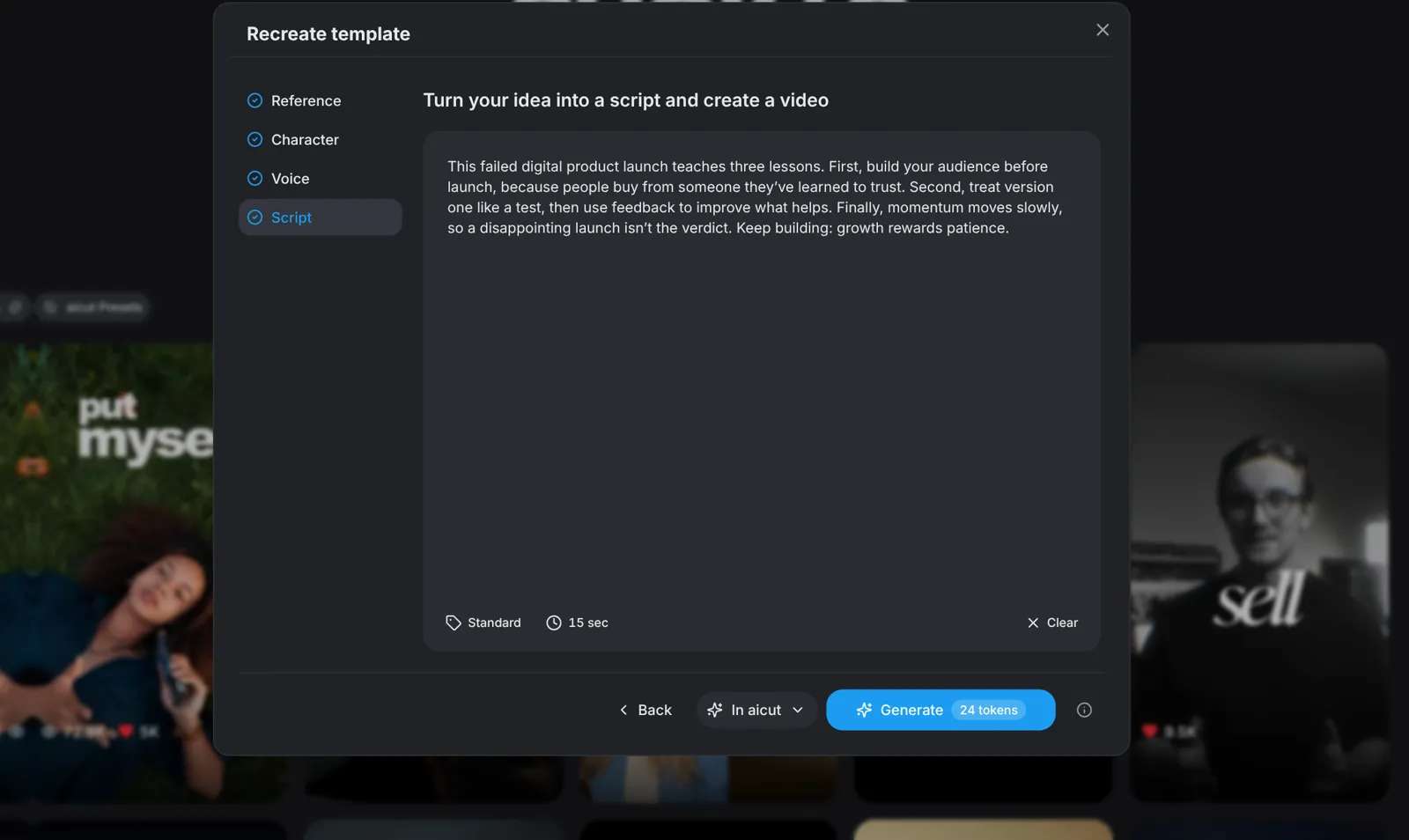
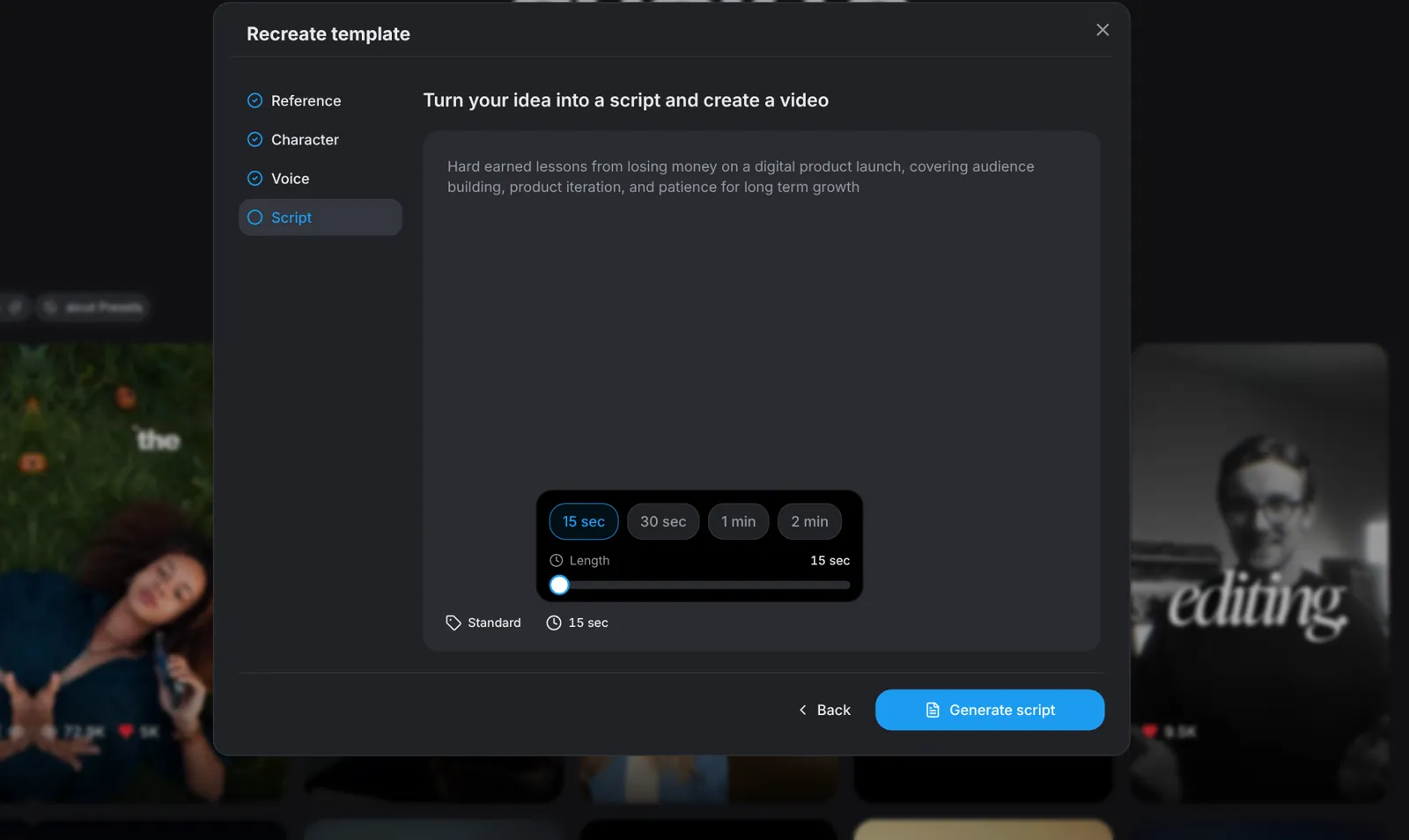
At Script, the box holds your idea: with a preset its idea is already there, with your own reel you type one. Press Generate script: it is free and takes a few seconds, the script is written to the reel's length, and you can edit every word before you generate. At the bottom of the box, Quality is Standard (Kling 4 Flash, 720p) or Premium (Kling 4, 1080p), and Length runs from 15 seconds to 2 minutes.
- Length starts at the reference's length: pick 15, 30, 60 or 120 seconds, or any length between in 5 second steps.
- Clear takes you back to the idea.
Generate · Step 6
Generate in aicut or in Claude
Pick where the reel is made in the menu beside the button; it starts on Claude until you pick In aicut, and remembers your pick. In aicut, the button shows the reel's one price: press it once and the reel appears under History when it is ready. In Claude, connect the aicut MCP once and a new Claude chat makes the reel with aicut's tools; Claude Code, Codex, Cursor and Grok work the same way.
- In aicut the price covers the presenter, every take, the voice, the music and the studio time, charged once. If a run ends without a reel, the tokens are refunded in full once a day; past that, the unused part is returned.
- In an agent the reel has a cap shown up front. Each part is charged when it is made, and anything past the cap is asked in the chat first.